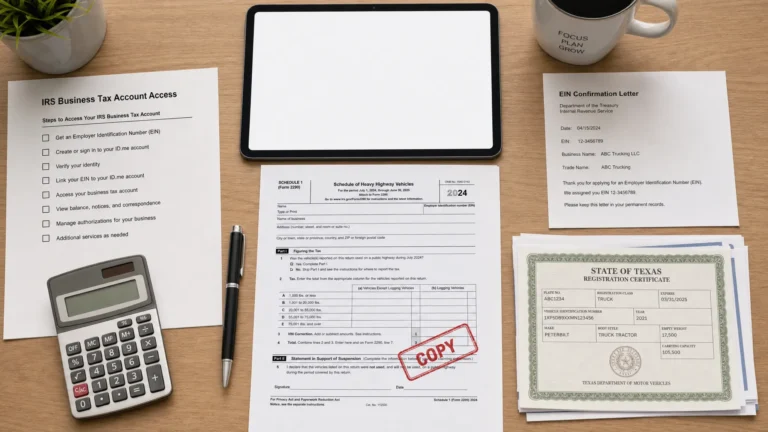
Tax Returns Online: Safe Filing Steps and Red Flags
Filing tax returns online is fast and convenient, but it also puts you closer to the two things scammers want most: your identity data and your payment method. For truckers and fleet owners, the stakes are even higher because a single bad filing can delay your IRS-stamped Schedule 1 and slow down IRP or DMV registration.
This guide walks through safe filing steps you can use for most online tax filings (including HVUT Form 2290), plus the red flags that signal a risky website, a fake “tax pro,” or an IRS impersonation attempt.
What “tax returns online” includes (and why the risks vary)
“Tax returns online” can mean different things depending on what you are filing:
- Income tax returns (like Form 1040 for individuals or business returns).
- Excise tax filings like IRS Form 2290 (HVUT) for heavy highway vehicles.
- Payments and payment scheduling (EFTPS, direct debit, card payments).
- Amendments, credits, and refunds (for example, correcting details or claiming eligible credits).
Each has different “failure modes.” With Form 2290, the most common real-world problems are EIN mismatches, VIN errors, wrong tax period, or paying the wrong way, all of which can lead to rejection or delays. With income tax filing, identity theft and “refund diversion” scams are more common.
The good news is that the best safety practices are mostly the same across all online tax returns.
Safe filing steps for tax returns online (a practical checklist)
Use the steps below as your standard process, whether you are filing Form 2290, a business return, or making a tax payment online.
| Step | What to do | Why it matters |
|---|---|---|
| 1) Start from a trusted source | Type the known web address yourself, use a saved bookmark, or navigate from a trusted site like IRS.gov | Avoids lookalike domains and sponsored-ad traps |
| 2) Confirm IRS authorization where applicable | For e-file services, look for language like “IRS-authorized” and verify using official IRS resources when available | Reduces the risk of fake portals that never transmit your return |
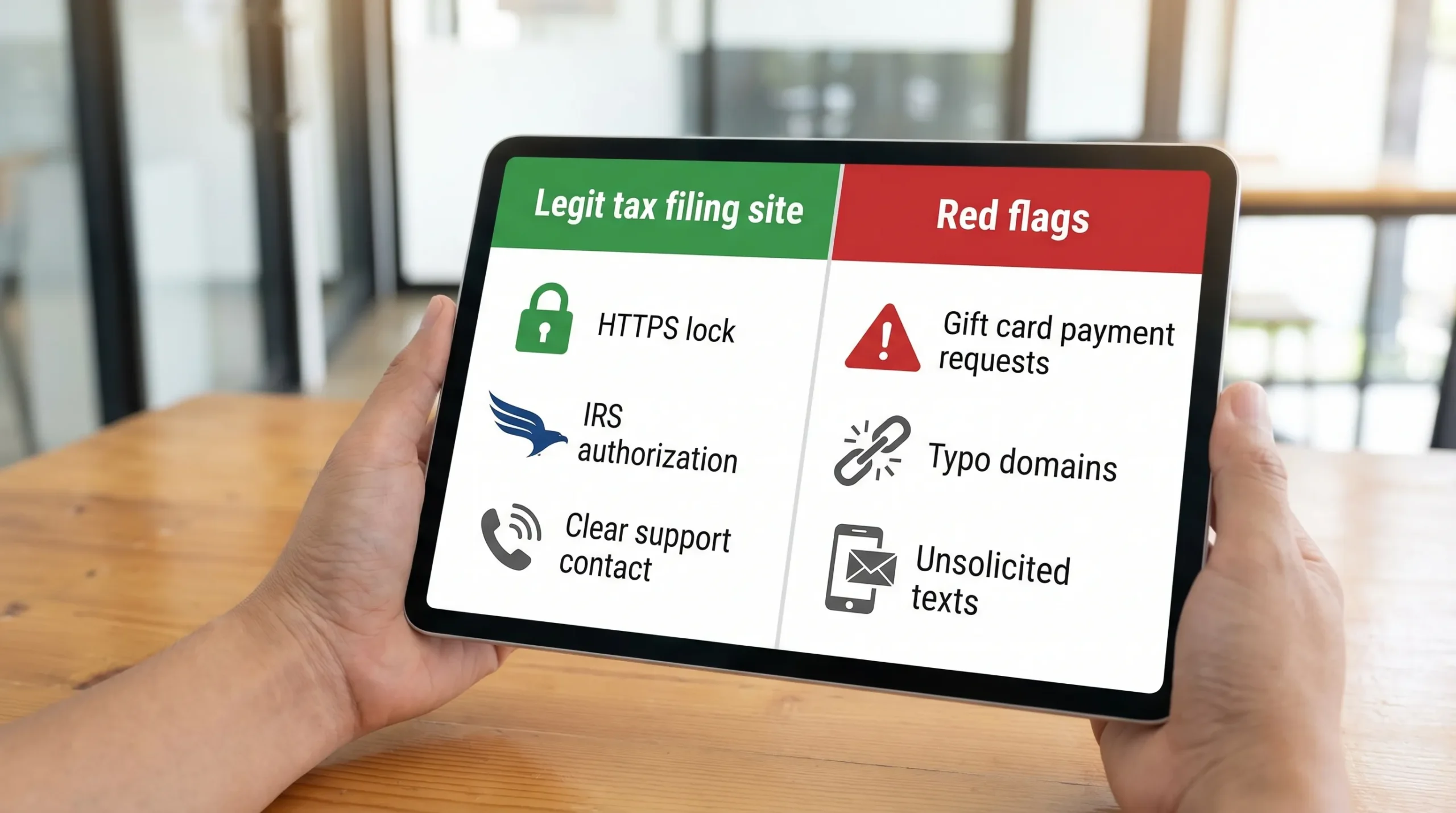
| 3) Check basic site security | Look for HTTPS, a real company identity, and clear support contact details | Scams often hide ownership and lack real support |
| 4) Use strong login hygiene | Use a unique password and turn on multi-factor authentication (MFA) if offered | Prevents account takeover and document theft |
| 5) File on a secure connection | Avoid public Wi-Fi at truck stops or cafes for tax filing | Protects your EIN, business data, and payment info in transit |
| 6) Enter data slowly, then re-check it | For 2290, double-check EIN, business name, VIN, weight category, and First Used Month | Prevents rejections and costly rework |
| 7) Pay using traceable methods | Prefer direct debit, EFTPS, or card payments through secure checkout flows | Helps with proof, dispute options, and audit trail |
| 8) Save the right proof immediately | Download and store your acceptance documents (for 2290, your IRS-stamped Schedule 1) | Prevents registration delays and “lost proof” emergencies |
| 9) Keep records organized | Save PDFs, payment confirmations, and emails in a dedicated folder per tax year | Makes audits, renewals, and corrections easier |
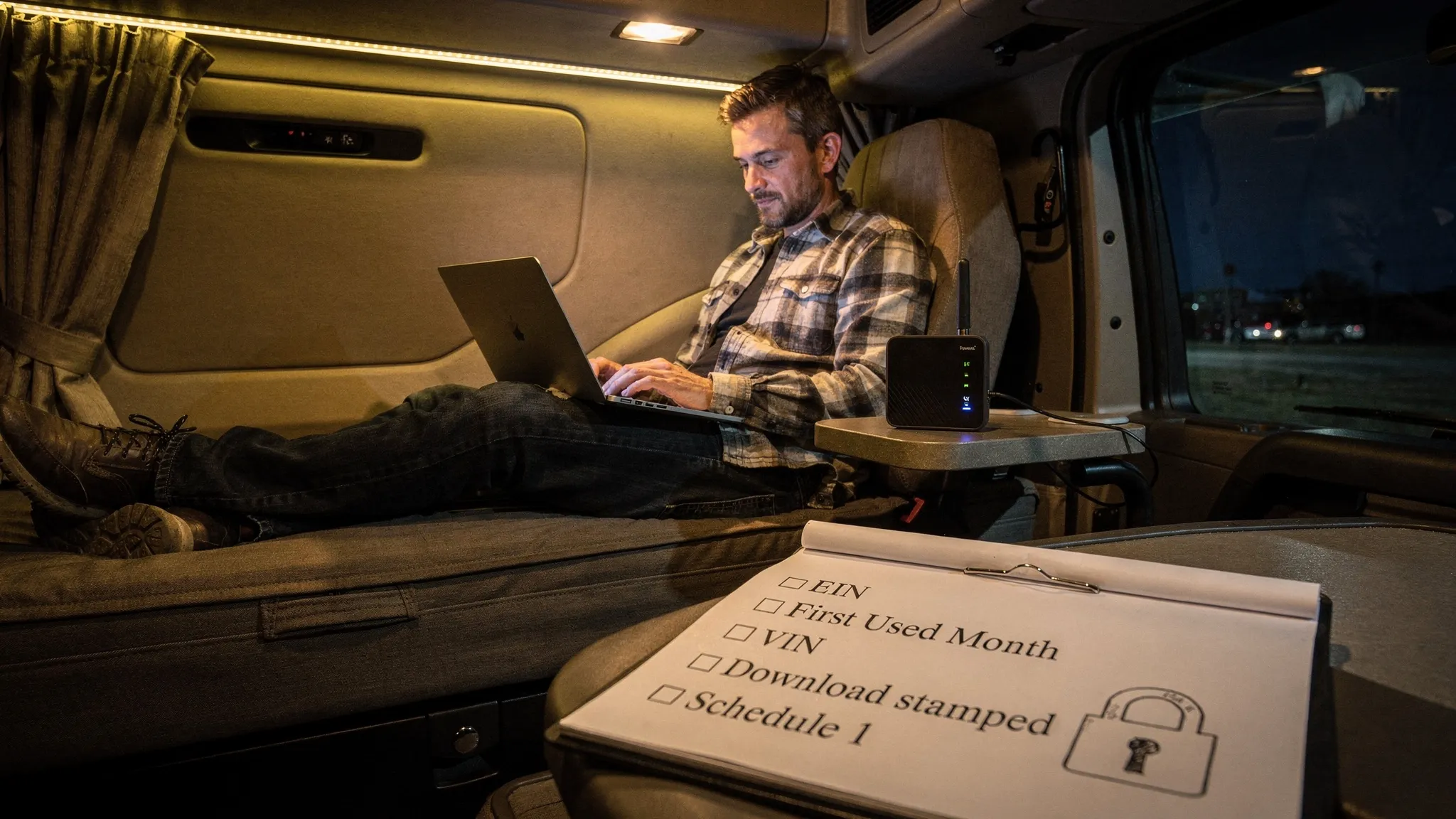
The most important step: control how you reach the filing site
A large share of online tax fraud begins before you even see a form. Common traps include:
- Search ads that imitate brand names
- Misspelled domains (one extra letter)
- Links in texts or emails claiming you have an “IRS issue”
The IRS repeatedly warns taxpayers about phishing and impersonation scams. A safe default is: do not click tax links from messages you did not request. When in doubt, go directly to official IRS resources like the IRS tax scams and consumer alerts.
Extra safety steps for truckers filing Form 2290 online
Form 2290 is a specialized filing, and scammers know truckers are often on a deadline (especially around August and during registration renewals). Here are Form 2290-specific checks that reduce both rejection risk and fraud risk.
1) Make sure you are using the correct ID type (EIN, not SSN)
For Form 2290 e-filing, an EIN is required. Using the wrong number type, or entering a business name that does not match IRS records, is a common cause of rejections.
If you need to apply, follow the IRS process and guidance. You can also review this site’s walkthrough: How to Apply for an EIN Online for Form 2290 Filing.
2) Treat VIN entry like a safety inspection
A single-character VIN error can block acceptance or produce a Schedule 1 that fails DMV/IRP verification. Before you transmit:
- Compare VINs against registration documents
- Watch for common confusions (O vs 0, I vs 1)
- For fleets, consider importing or bulk entry only after spot-checking a sample
If you do make a mistake, the fix is usually a VIN correction or an amended return (depending on the situation). (Do not ignore it and hope the DMV accepts it.)
3) Know what a “real” Schedule 1 looks like
For Form 2290, the key proof is your IRS-stamped Schedule 1 (watermarked). If a service claims you are “done” but cannot provide a stamped Schedule 1 after IRS acceptance, that is a major warning sign.
A legitimate e-file process includes an IRS acknowledgment step (accepted or rejected), then the stamped Schedule 1 after acceptance.
If you are new to this document, see: Schedule 1 Form 2290: What You Need to Know.
4) Watch for deadline pressure and “instant approval” claims
E-filing can be fast, but no provider can honestly promise an outcome like “guaranteed IRS approval in 60 seconds” for every case. Real processing can vary based on IRS system load, data validation, and payment method.
Also keep the seasonal reality in mind. HVUT filing season starts July 1, and the main deadline is typically August 31 for vehicles first used in July (with weekend and holiday adjustments depending on the year). If you want the current deadline logic, review: Form 2290 Due Dates.
Red flags: signs an online tax filing site (or “tax helper”) is risky
Some red flags apply to any tax return online, and some show up a lot in trucking-related filings.
- They demand payment by gift card, crypto, or wire transfer. The IRS and legitimate providers do not require unusual payment methods as a condition of “fixing” a tax issue.
- They contact you first with urgency (text, email, social message) and push you to click a link immediately.
- The website address is slightly off (extra letters, unusual endings, or a different company name than the branding).
- No clear company identity: no real address, no support phone, no refund policy, or only a web form with no follow-up.
- They ask for information they should not need for the filing you are doing (for Form 2290, asking for unrelated personal banking credentials is a bad sign).
- They promise unusually large refunds or “secret programs.” For income tax, this is common with shady preparers. For Form 2290, it shows up as “special exemptions” that do not match IRS rules.
- They will not explain what happens after you submit (IRS acknowledgment, acceptance/rejection, how you receive proof).
If you see two or more of the above, pause and verify before entering your EIN, VINs, or payment details.
If you think you were scammed: what to do right now
When tax data is exposed, speed matters. These steps help reduce damage and help you document what happened.
- Stop using the same password anywhere else that you used on the suspicious site. Change it immediately.
- Save evidence: screenshots, emails, payment receipts, and the website URL.
- Check your filing status if you were filing Form 2290 through an online provider. If you used Simple Form 2290, you can follow the normal workflow described here: How to Check 2290 Filing Status.
- Report phishing attempts to the IRS if the scam involved IRS impersonation or phishing. Use the IRS guidance on reporting phishing and online scams.
- Follow identity theft steps if sensitive personal data was involved. The IRS identity theft hub is here: Identity Theft Central.
If the situation affects your ability to register vehicles or meet a deadline, contact legitimate support channels quickly. For IRS phone references, you can also keep this handy: IRS Customer Support Phone Numbers.
A quick “pre-transmit” self-audit (60 seconds that prevents hours of rework)
Before you click Submit or Transmit, do a quick verification pass.
For Form 2290 filers, confirm:
- EIN and business name match IRS records
- VINs match registration documents
- Taxable gross weight category is correct
- First Used Month is correct
- Payment method is selected correctly
- You know where your stamped Schedule 1 will appear after acceptance
For any tax return online, also confirm:
- You can access your account and recovery email/phone
- You are on a secure connection
- You have a plan to store the final PDFs and confirmation numbers
This small habit is one of the highest-return “safety steps” you can build into your process.
Frequently Asked Questions
Is it safe to file tax returns online? Yes, online filing can be very safe when you use reputable, IRS-authorized services where applicable, protect your login, and avoid phishing links. Most problems come from user-side issues (bad links, weak passwords, public Wi-Fi) and from fraudulent websites.
How do I know if an online tax filing provider is legitimate? Look for clear business identity and support, secure HTTPS, transparent steps that include IRS acknowledgment, and verification through official IRS resources when available. Be cautious of lookalike domains and unrealistic promises.
Does the IRS call or text you about tax problems? The IRS warns taxpayers about impersonation scams and generally does not initiate contact by text or social media to demand immediate payment or personal data. If you get an urgent message, do not click links. Go directly to IRS.gov to verify.
What information should a Form 2290 e-file provider ask for? Typically: business name, EIN, address/contact info, VIN(s), taxable gross weight category, First Used Month, and payment method details. Be cautious if a site asks for unrelated credentials or requests unusual payment methods.
What is the stamped Schedule 1 for Form 2290? Schedule 1 is your proof of HVUT filing and payment, and states often require it for registration or IRP. After a successful e-file, you receive an IRS-stamped (watermarked) Schedule 1.
What if my Form 2290 return is rejected after filing online? Rejections usually come from EIN/name mismatches, VIN errors, wrong tax period, or duplicate filings. Correct the issue and retransmit promptly. Checking status in your provider dashboard is the fastest way to identify the rejection reason.
File Form 2290 online with an IRS-authorized provider
If your goal is to get compliant fast and avoid mistakes that delay registration, using an IRS-authorized Form 2290 e-file provider matters. Simple Form 2290 is built for truckers and fleets with a guided online process, bulk vehicle filings, secure data handling, and support in English and Spanish.
When you are ready, you can file Form 2290 online at SimpleForm2290.com and download your Schedule 1 after IRS acceptance.