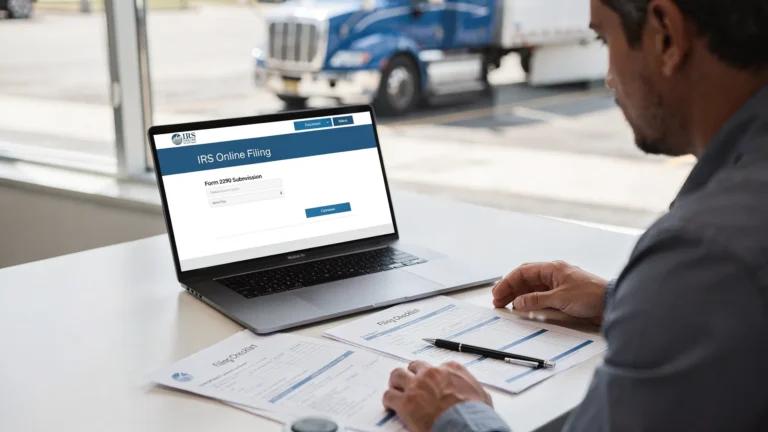
IRS Payment Customer Service Number for 2290 Filers
Trying to fix a Form 2290 payment issue can feel urgent, especially when your stamped Schedule 1 is needed for IRP registration, plate renewal, or getting a truck on the road. The key is knowing that there is not one single IRS payment customer service number for every 2290 problem. The right number depends on whether your issue involves the Form 2290 return, EFTPS, a card payment, a mailed check, or an IRS notice.
For most 2290 filers, the IRS Form 2290 Excise Tax Help Desk is the best starting point for HVUT payment questions tied to a return. If your problem is specifically with EFTPS enrollment, login, PIN, or scheduling, EFTPS customer service is the better contact.
Quick answer: IRS payment customer service number for 2290 filers
Use the table below to choose the right contact before you spend time on hold. Always verify phone numbers on official IRS or EFTPS pages before sharing your EIN, banking details, or tax information.
| Need help with | Best contact | Phone number | Use it for |
|---|---|---|---|
| Form 2290 or HVUT return payment questions | IRS Form 2290 Excise Tax Help Desk | 866-699-4096 | Payment posting questions, balance-due notices, tax period issues, and Form 2290 account questions |
| Form 2290 help from outside the U.S. | IRS Form 2290 international assistance | 859-320-4091 | Non-toll-free Form 2290 assistance for international callers, verify current number in IRS instructions |
| EFTPS enrollment, login, PIN, or scheduled payment issue | EFTPS Customer Service | 800-555-4477 | EFTPS access, enrollment, rejected payments, or payment scheduling problems |
| EFTPS Spanish-language support | EFTPS Servicio al Cliente | 800-244-4829 | EFTPS support in Spanish |
| EFTPS phone payment for business taxes | EFTPS business payment line | 800-555-3453 | Making a business tax payment by phone if you are already enrolled in EFTPS |
| General business tax account questions | IRS Business and Specialty Tax Line | 800-829-4933 | Broader business tax questions that are not specific to Form 2290 |
The IRS Form 2290 page and the EFTPS website are the safest places to confirm official contact information. For a broader list of IRS contacts related to HVUT, you can also review our guide to IRS customer support phone numbers.
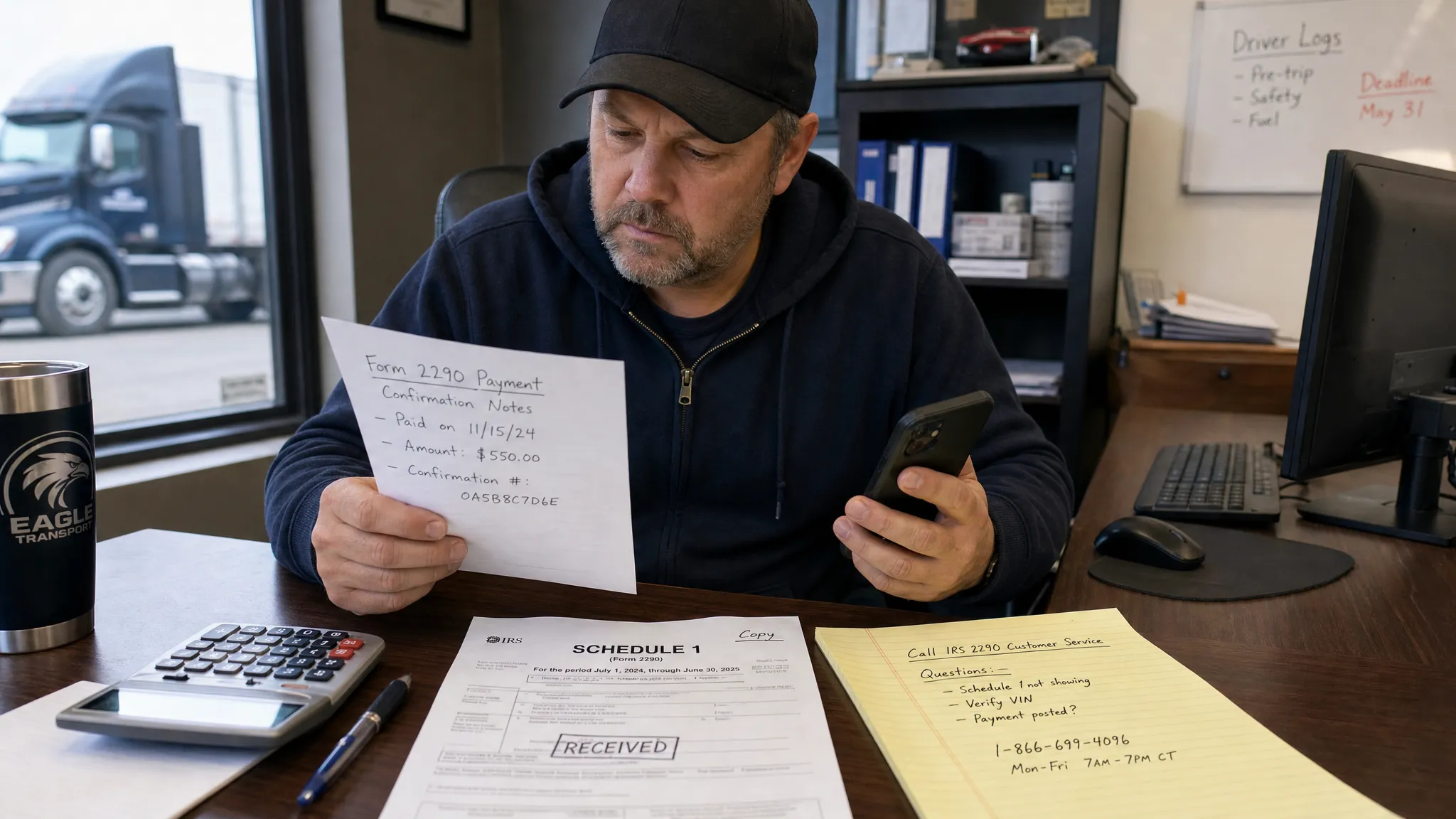
Which number should you call for your specific 2290 payment issue?
Calling the wrong line can add hours to a simple fix. Before you call, identify how you attempted to pay your Heavy Vehicle Use Tax. Form 2290 filing and HVUT payment are connected, but they are not always handled by the same system.
If you e-filed and chose Electronic Funds Withdrawal
Electronic Funds Withdrawal, often called EFW or direct debit, lets you authorize the IRS to withdraw the HVUT from your bank account when you e-file. If the return was accepted but the debit has not appeared, allow a few business days and confirm the bank account information you entered.
If the payment still does not show, call the IRS Form 2290 Excise Tax Help Desk at 866-699-4096. Have your EIN, business name, tax period, filing date, and payment amount ready. If your bank rejected the debit, make another payment as soon as possible to reduce potential penalties and interest.
If you paid or tried to pay through EFTPS
EFTPS is separate from Form 2290 e-filing. You can file Form 2290 with an IRS-authorized provider and then schedule the HVUT payment in EFTPS using your EIN and the correct tax form selection.
Call EFTPS Customer Service at 800-555-4477 for enrollment, login, PIN, or scheduled payment problems. If you are already enrolled and need to make a business tax payment by phone, use 800-555-3453. If you prefer Spanish-language support for EFTPS, call 800-244-4829.
EFTPS timing matters. Payments generally must be scheduled before the EFTPS cutoff and ahead of the due date. If you are filing near a deadline, review our guide on when EFTPS payment is due for Form 2290 and our step-by-step article on how to pay Form 2290 on EFTPS.
If you paid by debit card, credit card, or digital wallet
The IRS uses approved third-party payment processors for card and digital wallet payments. If your card was charged twice, declined, or approved but you received no confirmation, check the processor receipt first.
A card payment receipt does not replace Form 2290 filing. If you paid the HVUT but never submitted Form 2290, the IRS will not issue a stamped Schedule 1 simply because a payment was made. You still need to file the return and receive IRS acceptance.
For tax account issues after a card payment, call the IRS Form 2290 Excise Tax Help Desk. For charge-specific issues, contact the card processor shown on your receipt or the official IRS payments page.
If you mailed a check or money order with Form 2290-V
Form 2290-V is the payment voucher used when sending a check or money order for HVUT. Mailed payments and paper filings can take longer to process, especially during peak filing season.
If the check has not cleared, confirm that it was mailed to the correct IRS address and that your voucher included the correct EIN, business name, tax period, and payment amount. If you mailed the payment but e-filed the return separately, keep both the IRS acceptance record and the payment tracking information.
For future filings, e-filing can reduce the risk of mailing delays. If you need the correct mailing details, see our guide to the IRS mailing address for Form 2290.
Filing Form 2290 and paying HVUT are not the same thing
This is one of the most common causes of confusion for truck owners. Paying the tax does not automatically file Form 2290, and filing Form 2290 does not always mean your payment has settled.
To get a stamped Schedule 1, the IRS must accept your Form 2290 return. That Schedule 1 is the document typically requested by state DMV or IRP offices as proof of HVUT compliance for vehicle registration. If your return is rejected because of an EIN, VIN, tax period, or name mismatch, payment alone will not solve the registration problem.
At the same time, if your e-filed return is accepted and you receive Schedule 1, you are still responsible for ensuring the HVUT payment is completed by the deadline. This is especially important when you choose EFTPS, card payment, or check instead of direct debit.
For the 2026-2027 HVUT tax year, vehicles first used in July 2026 generally have a Form 2290 filing and payment deadline of August 31, 2026. Vehicles first used in later months follow the last day of the month after the first-used month rule. You can review timing in our Form 2290 due dates guide.
What to have ready before calling IRS or EFTPS
IRS and EFTPS agents will need enough information to locate your account or payment. Preparing before you call reduces hold time and helps avoid a second call.
- EIN used on Form 2290, not your SSN
- Exact business name used with the IRS
- Tax period, such as 2026-2027
- First Used Month for the vehicle
- VIN or list of VINs involved
- Amount paid or scheduled
- Payment date and payment method
- EFTPS confirmation number, card receipt, bank debit record, or check tracking details
- Copy of any IRS notice or balance-due letter
- IRS acceptance email or stamped Schedule 1 if you e-filed
If your EIN was recently issued, remember that new EINs can take time to become active in IRS e-file systems. If your return was rejected for an EIN/name mismatch, fix the filing issue first. A payment phone number will not correct an e-file rejection by itself.
Common Form 2290 payment problems and the best next step
The issue you see on your bank statement is not always the issue the IRS sees on the tax account. Use this table to decide your next move.
| Problem | Likely cause | Best next step |
|---|---|---|
| Payment made but no Schedule 1 received | Payment was made, but Form 2290 was not accepted or was never filed | Check your e-file status and resubmit if rejected |
| Return accepted but bank debit not showing | EFW may still be processing, bank details may be wrong, or debit may have failed | Wait a few business days, check with your bank, then call the IRS Form 2290 line |
| EFTPS payment scheduled for wrong tax period | Payment was coded incorrectly in EFTPS | Call EFTPS before settlement if possible, then contact IRS if it already posted |
| Card charged but IRS notice says balance due | Payment may not have posted to the correct account or tax period | Gather processor receipt and call the IRS Form 2290 line |
| Check mailed but not cashed | Mail delay, wrong address, missing voucher, or processing backlog | Track the mailing, verify address, and call IRS if the delay continues |
| Balance-due notice after filing | Payment failed, posted late, or was applied incorrectly | Call IRS with proof of payment and the notice in hand |
If you filed through Simple Form 2290, you can also check your dashboard for IRS filing status and Schedule 1 availability. If the return was rejected, correct the rejection first. If the return was accepted but the payment issue is on the IRS account, the IRS or EFTPS will usually need to help because they control the payment records.
How to avoid IRS payment calls in the future
The best way to avoid calling IRS payment customer service is to build a clean filing workflow. Start with accurate business and vehicle information, then choose a payment method that fits your timing.
For owner-operators, direct debit during e-filing can be the simplest option because the payment authorization is completed in the filing flow. For fleets, EFTPS may be preferred for centralized treasury control, but it requires careful scheduling and confirmation. If reporting 25 or more vehicles, the IRS requires electronic filing, so paper filing is not a practical fallback for large fleets.
Before submitting, double-check the EIN, business name, VIN, taxable gross weight, First Used Month, and tax year. Save every confirmation number. Keep your stamped Schedule 1, payment receipt, and bank confirmation together for DMV, IRP, audit, and renewal purposes.
Using an IRS-authorized e-file provider can also reduce preventable mistakes. Simple Form 2290 offers a guided online filing process, bulk vehicle filing support, data retrieval, a fleet management dashboard, and professional customer support in English and Spanish.
Frequently Asked Questions
What is the IRS payment customer service number for Form 2290? For most Form 2290 payment questions tied to an HVUT return, call the IRS Form 2290 Excise Tax Help Desk at 866-699-4096. If the issue is specifically with EFTPS, call EFTPS Customer Service at 800-555-4477.
Can I pay Form 2290 by phone with the IRS? You generally cannot call the Form 2290 help desk and simply pay over the phone. If you are enrolled in EFTPS, you may be able to use the EFTPS business phone payment line at 800-555-3453. Always confirm current options on EFTPS.gov.
Who do I call if my EFTPS Form 2290 payment did not go through? Call EFTPS Customer Service at 800-555-4477 for enrollment, login, PIN, or scheduled payment issues. If the payment already settled but was applied incorrectly, you may also need to call the IRS Form 2290 line.
Why did I pay HVUT but still not get Schedule 1? Payment alone does not generate Schedule 1. The IRS must accept your Form 2290 return. Check whether your return was accepted, rejected, or never submitted.
What if I receive an IRS balance-due notice after paying Form 2290? Gather your notice, EIN, tax period, payment amount, payment date, and proof of payment. Then call the IRS Form 2290 Excise Tax Help Desk so the IRS can review how the payment was applied.
Can Simple Form 2290 fix an IRS payment posting problem? Simple Form 2290 can help with e-filing, IRS acceptance status, Schedule 1 retrieval, rejections, and filing guidance. Account-specific payment posting issues usually require the taxpayer to contact IRS or EFTPS directly.
File Form 2290 online and reduce payment headaches
If you want to avoid last-minute payment confusion, file through an IRS-authorized provider that guides you through the process from business details to Schedule 1 retrieval. With Simple Form 2290, you can e-file Form 2290 online, manage single-truck or fleet filings, and get your IRS-stamped Schedule 1 quickly after acceptance.
Start your Form 2290 filing today and keep your HVUT records, Schedule 1, and vehicle details organized in one secure online portal.