IRS Business Portal Guide for Truck Owners
Truck owners deal with several IRS touchpoints throughout the year: EIN setup, Heavy Vehicle Use Tax payments, Form 2290 filing, and Schedule 1 proof for registration. It is easy to call all of these tools the IRS Business Portal, but they do not all do the same job.
For trucking businesses, the most important thing to understand is this: the IRS online business tools can help you manage tax access and payments, but they are not always the fastest path to an IRS-stamped Schedule 1. For that, most truck owners use an IRS-authorized Form 2290 e-file provider.
This guide explains how the IRS Business Portal fits into your trucking tax workflow, what it can and cannot do, and how to use it alongside Form 2290 e-filing without delaying your plates, IRP renewal, or DMV registration.
What truck owners mean by the IRS Business Portal
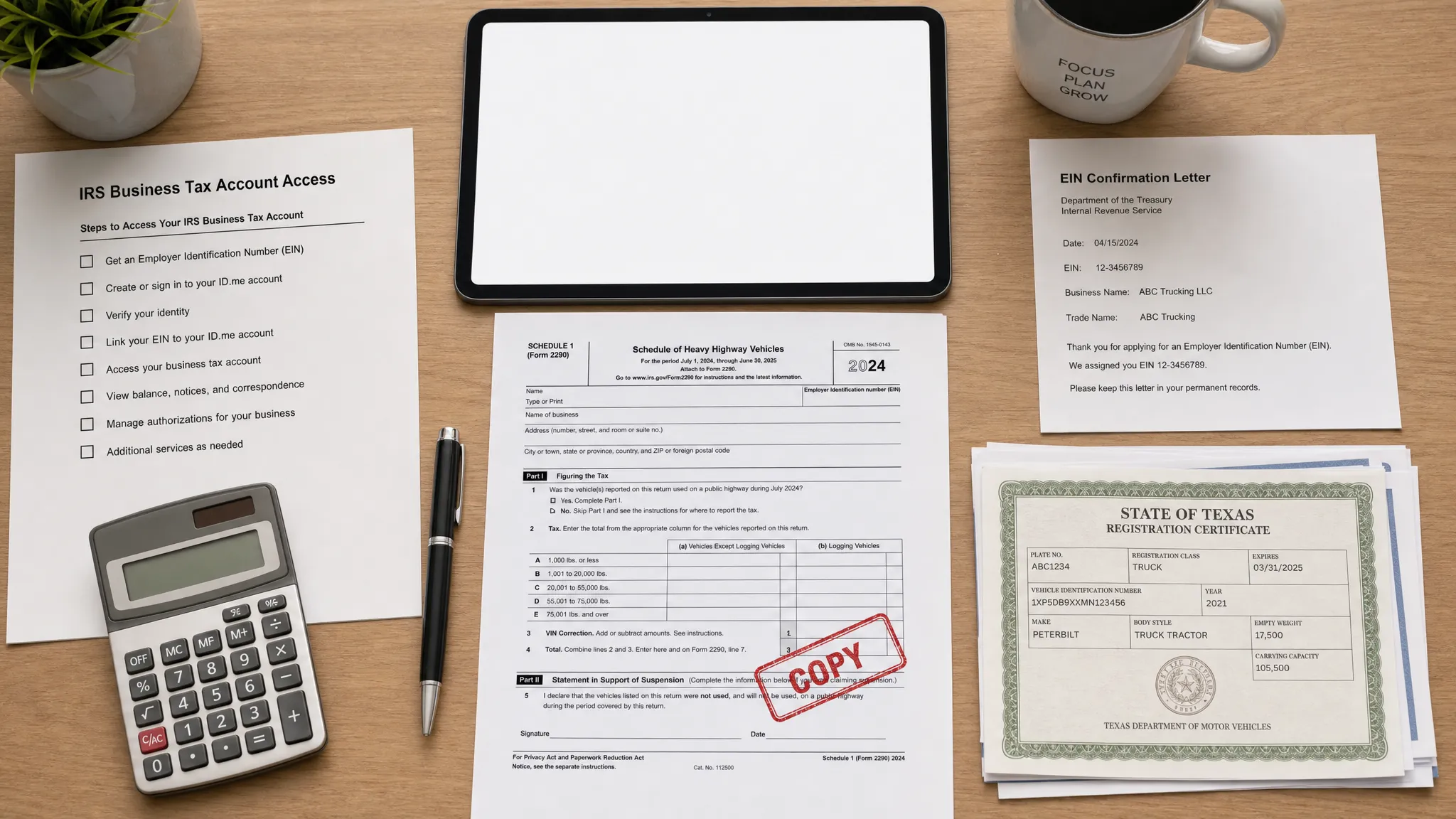
Truck owners often use the phrase IRS Business Portal to describe the IRS online tools available to business taxpayers. On IRS.gov, the main account access tool is the IRS Business Tax Account. Depending on your business type and access level, it can help you view certain business tax information, manage authorization features, and connect with IRS account services.
For a trucking company, owner-operator, or fleet manager, that sounds useful, and it is. But it is important to separate account management from Form 2290 filing. The IRS Business Tax Account is not the same as an HVUT e-file portal, an EIN application page, an EFTPS payment login, or your state IRP system.
Think of the IRS Business Portal as one part of your compliance toolkit. It helps with business tax access, but Form 2290 filing still requires the right filing method, correct vehicle data, and a stamped Schedule 1 after IRS acceptance.
Why the IRS Business Portal matters for truck owners
If you operate a heavy highway vehicle with a taxable gross weight of 55,000 pounds or more on public highways, you generally need to file IRS Form 2290 and pay Heavy Vehicle Use Tax, also called HVUT. After the IRS accepts the return, you receive Schedule 1, which is your proof of filing and payment for many registration and IRP purposes.
The IRS Business Portal can help you stay connected to your business tax identity, but it does not replace the actual Form 2290 workflow. Truck owners usually need several systems working together.
| Tool or portal | Best use | What truck owners should know |
|---|---|---|
| IRS Business Tax Account | Accessing certain business tax account features | Useful for tax account visibility, but not the main place to get a stamped Schedule 1 |
| IRS EIN Assistant | Applying for a new Employer Identification Number | Form 2290 e-filing requires an EIN, not an SSN |
| EFTPS | Scheduling federal tax payments | Payment confirmation is not the same as IRS Form 2290 acceptance |
| IRS-authorized 2290 e-file provider | Submitting Form 2290 electronically and receiving Schedule 1 | Required when reporting 25 or more vehicles, and useful for any truck owner who wants faster processing |
| State DMV or IRP portal | Registration, plates, apportioned registration | These offices often ask for the stamped Schedule 1 as proof of HVUT compliance |
Can you file Form 2290 directly in the IRS Business Portal?
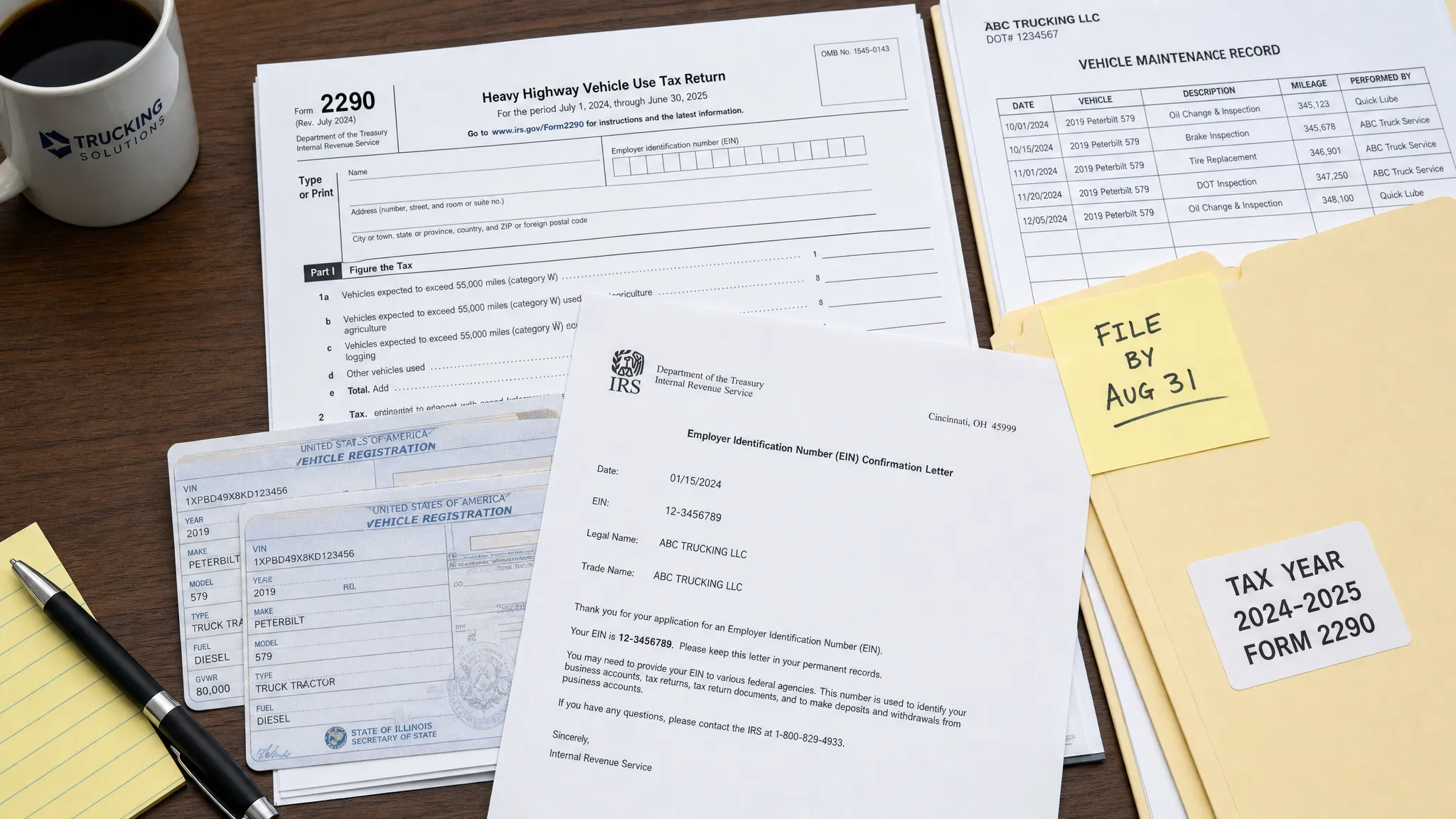
In most practical situations, truck owners do not use the IRS Business Portal as a direct Form 2290 e-file system. The IRS accepts paper Form 2290 by mail, but paper filing can take weeks, especially during peak filing season. Electronic filing is typically completed through an IRS-authorized e-file provider.
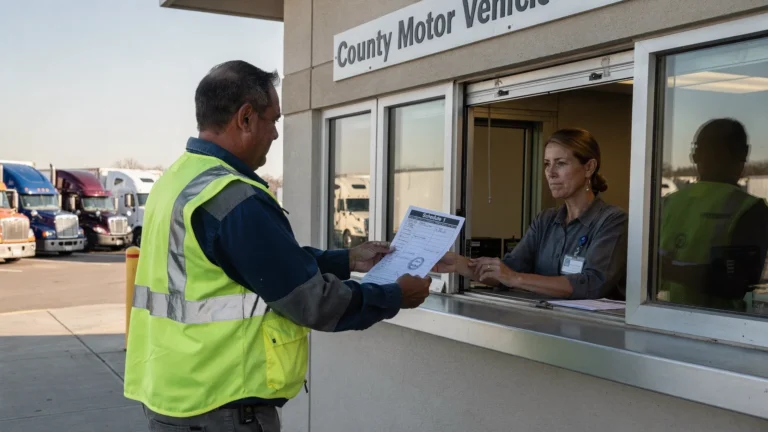
This distinction matters because your Schedule 1 is often needed quickly. If your IRP renewal, tag renewal, or DMV registration is waiting on proof of HVUT filing, mailing a paper return or using the wrong IRS login can create avoidable delays.
The IRS requires electronic filing when you report 25 or more vehicles on Form 2290. Even if you only have one truck, e-filing is usually the faster option because the IRS-stamped Schedule 1 can be returned much sooner after acceptance.
Step-by-step IRS Business Portal workflow for truck owners
The best approach is to use each IRS-related tool for the job it was designed to do. Here is a practical workflow for truck owners and fleet managers.
- Confirm your EIN and business name: Form 2290 requires an Employer Identification Number. Make sure the legal name connected to your EIN matches IRS records. If you need a new EIN, review this guide on how to apply for an EIN online for Form 2290 filing.
- Set up IRS online access early: If you plan to use IRS business account tools, complete identity verification before the filing deadline. Do not wait until the day your registration is due.
- Enroll in EFTPS if you plan to pay that way: EFTPS is available at EFTPS.gov, but enrollment and payment scheduling can take planning. If you choose EFTPS, remember that payment scheduling does not file Form 2290 by itself.
- Gather your truck information: You need VINs, taxable gross weight, first used month, logging status if applicable, and suspended vehicle status if the truck is expected to stay under the mileage limit.
- File Form 2290 through an IRS-authorized provider: Use a guided e-file system to submit the return to the IRS and reduce common errors before submission.
- Pay the HVUT using your selected IRS payment method: Depending on the filing process, common IRS payment options may include electronic funds withdrawal, EFTPS, credit or debit card, or check or money order with the proper voucher.
- Download and save your stamped Schedule 1: After IRS acceptance, keep a copy for your records and provide it to your DMV, IRP office, or registration service when needed.
If you want a faster filing path, Simple Form 2290 provides an IRS-authorized online filing process with guided steps, bulk vehicle filing support, Schedule 1 delivery after IRS acceptance, and document retrieval through your account.
Information to gather before using any IRS truck tax tool
Most Form 2290 delays come from bad data, not from the IRS portal itself. Before you log in anywhere, make sure your business and vehicle details are ready.
| Information | Why it matters | Filing tip |
|---|---|---|
| EIN | Required for Form 2290 e-filing | Do not use your SSN for HVUT filing |
| Legal business name | Must match IRS records | Use the name from your EIN confirmation notice or IRS letter |
| VIN | Appears on Schedule 1 | Check every character before submission |
| Taxable gross weight | Determines the HVUT amount | Include the truck, trailer, and customary load configuration |
| First Used Month | Determines the tax period and due date | Use the month the vehicle first operated on public highways in the tax year |
| Logging or suspended status | May affect tax amount or reporting | Only choose these if the vehicle truly qualifies |
| Payment method | Determines how the IRS receives the tax | EFTPS payments must be scheduled correctly and on time |
If you are unsure how weight affects the tax amount, review this guide on how to calculate HVUT tax for Form 2290 before filing.
2026 timing: what truck owners should know
The HVUT tax year runs from July 1 through June 30. For vehicles first used in July 2026, Form 2290 is generally due by August 31, 2026. For trucks first used after July, the deadline is usually the last day of the month following the first used month.
For example, if a truck is first used on public highways in October, the Form 2290 deadline is generally the last day of November. If the deadline falls on a weekend or federal holiday, the due date may move to the next business day.
Because the 2026 filing season starts around July 1, June is a good time to prepare. Confirm your EIN, clean up VIN records, decide how you will pay, and make sure your IRP renewal timeline does not conflict with Form 2290 processing. For a complete calendar, see the Simple Form 2290 guide to Form 2290 due dates.
Common IRS portal mistakes that delay truck registration
The IRS Business Portal can be useful, but it will not prevent every filing issue. These are the mistakes that most often create delays for truck owners.
- Assuming EFTPS files the return: EFTPS is a payment system. It does not submit Form 2290 or generate Schedule 1 by itself.
- Trying to e-file with an SSN: Form 2290 requires an EIN. If you recently received a new EIN, it may take time before IRS systems recognize it for e-filing.
- Using the wrong business name: A small mismatch between your filing name and IRS EIN records can cause rejection.
- Entering the wrong VIN: A VIN typo can create problems when your DMV or IRP office reviews Schedule 1.
- Waiting on paper filing near a registration deadline: Mailed returns can take much longer than e-filed returns.
- Confusing IRS acceptance with tax payment only: Your Schedule 1 comes from an accepted Form 2290 return, not merely from proof that money was sent.
If your return is rejected, do not panic. Most rejections can be corrected and resubmitted. You can also use this guide on how to check 2290 filing status to understand accepted, rejected, pending, and returned statuses.
IRS Business Portal vs. Form 2290 e-filing provider
A smart truck tax workflow uses both IRS resources and an authorized e-file provider. The IRS Business Portal helps with account access and tax identity. EFTPS helps with tax payment scheduling. A Form 2290 e-file provider helps you complete and submit the HVUT return, then receive the stamped Schedule 1 after IRS acceptance.
For truck owners, the Schedule 1 is usually the most urgent document. It is what your DMV, IRP office, or registration service may request before issuing or renewing plates. That is why using the right Form 2290 filing path matters.
Simple Form 2290 is designed specifically for this part of the process. The platform supports online Form 2290 filing, bulk vehicle filings, a step-by-step guided process, data security and retrieval, professional customer support, English and Spanish support, and fleet management tools. You can file online and get your IRS-stamped Schedule 1 after the IRS accepts your return.
For a deeper walkthrough of the online process, read Form 2290 Online: Schedule 1 in Minutes.
Security tips when using IRS and tax filing portals
Truck tax records include sensitive business information, EINs, VINs, payment details, and registration documents. Whether you are signing into IRS tools or an e-file provider, use good security practices.
Use a strong password and avoid sharing login credentials across employees or dispatch staff. If multiple people help with compliance, assign responsibilities clearly so one person is responsible for final review before submission. Always verify that you are on the correct website before entering EIN or payment information.
Keep copies of your accepted Form 2290, stamped Schedule 1, payment confirmation, and any IRS notices. For fleets, central recordkeeping is especially important because a single missing Schedule 1 can slow a registration transaction.
Frequently Asked Questions
Is the IRS Business Portal the same as EFTPS? No. The IRS Business Portal usually refers to IRS online business account tools, while EFTPS is the Electronic Federal Tax Payment System used to schedule federal tax payments. EFTPS does not file Form 2290 by itself.
Can I get my stamped Schedule 1 from the IRS Business Portal? Not usually as a direct filing workflow. The fastest way for most truck owners is to e-file Form 2290 through an IRS-authorized provider and download the stamped Schedule 1 after IRS acceptance.
Do truck owners need an EIN to use Form 2290 e-filing? Yes. Form 2290 e-filing requires an EIN. An SSN should not be used for HVUT e-filing.
Does paying HVUT mean my Form 2290 is filed? No. Payment and filing are connected, but they are not the same. You need an accepted Form 2290 return to receive Schedule 1.
Should owner-operators create an IRS Business Tax Account? It can be helpful for business tax account access, but it is not always required to file Form 2290. You still need a correct EIN, vehicle information, and a proper filing method.
What should I do if my Form 2290 is rejected? Review the rejection reason, correct the issue, and resubmit. Common causes include EIN/name mismatch, incorrect VIN, wrong tax period, or duplicate filing.
File Form 2290 without IRS portal confusion
The IRS Business Portal is useful, but it is only one part of truck tax compliance. If your goal is to file HVUT quickly and get Schedule 1 for registration, use an IRS-authorized Form 2290 e-file provider built for truck owners.
With Simple Form 2290, you can complete Form 2290 online through a guided process, file single trucks or fleets, access support when needed, and retrieve your IRS-stamped Schedule 1 after acceptance. Start your filing today and keep your truck registration moving without unnecessary delays.