
How to Set Up an IRS Online Account for Business
Setting up an IRS online account for business can make tax administration easier, especially if you operate trucks, manage a fleet, or file federal excise tax forms during busy registration seasons. It gives eligible business owners and authorized individuals a secure way to access IRS business tax tools, check available account information, manage certain payments, and keep official business details organized.
For Form 2290 filers, this account is helpful, but it is not the same thing as a Form 2290 e-file portal. If your immediate goal is to file Heavy Vehicle Use Tax and receive a stamped Schedule 1, you still need to file Form 2290 through an IRS-authorized e-file provider such as Simple Form 2290.
This guide explains how to set up an IRS online account for business, what information to gather first, common setup problems, and how the account fits into your truck tax workflow.
What Is an IRS Online Account for Business?
An IRS online account for business, also called a Business Tax Account, is a secure IRS.gov access point for eligible business taxpayers and authorized individuals. According to the IRS Business Tax Account page, available features may include viewing certain business tax information, managing payments, accessing notices, and using IRS tools that are available for your business type and role.
The IRS continues to expand online business account features, so the exact dashboard options can vary. A sole proprietor may see different options than a corporation, partnership, or LLC. The key point is that the account helps you interact with the IRS directly for business tax administration.
For trucking companies, owner-operators, and fleet owners, this can support better recordkeeping by helping you keep IRS-facing details consistent, including your EIN, legal business name, and contact information.
IRS Online Account vs. Form 2290 E-Filing
Many truck owners search for an IRS online account because they want to file Form 2290 or retrieve a stamped Schedule 1. These are related tax tasks, but they are not the same process.
| Tool | Main purpose | Best used for | Important note |
|---|---|---|---|
| IRS Business Tax Account | Manage IRS business tax access online | Viewing available business tax information, notices, and payment tools | Features vary by business type and user role |
| EFTPS | Schedule and make federal tax payments | Paying certain federal taxes electronically | EFTPS does not file Form 2290 for you |
| Simple Form 2290 | E-file IRS Form 2290 through an IRS-authorized provider | Getting a stamped Schedule 1 after IRS acceptance | Built specifically for HVUT filing and truck tax compliance |
If you need proof of HVUT payment for DMV, IRP, or vehicle registration, the document you need is the IRS-stamped Schedule 1. You get that by filing Form 2290, not by simply creating an IRS business account.
Who Should Set Up an IRS Online Account for Business?
An IRS business account should be created by a person who is authorized to access tax information for the business. The login belongs to the individual user, not to the company as a shared password.
Common users include owner-operators, business owners, corporate officers, partners, managing members, and other individuals who can verify their identity and authority through IRS prompts. If your accountant or tax professional needs access, they should use the proper IRS authorization process rather than asking for your personal login.
| Business situation | Who usually starts the setup | What to confirm first |
|---|---|---|
| Owner-operator using an EIN | The business owner | EIN and legal name match IRS records |
| Single-member LLC | The owner or authorized individual | IRS classification and responsible party details |
| Fleet company | Officer, partner, or authorized manager | Correct EIN, business name, and authority to access records |
| Tax preparer or accountant | Authorized tax professional | Proper IRS authorization, not shared login credentials |
If you are unsure whether you are eligible, start on IRS.gov and follow the account prompts. The IRS system will guide you based on your identity, business information, and role.
What You Need Before You Start
Gathering the right information before setup helps avoid identity verification errors and business matching problems.
| Requirement | Why it matters | Tip for Form 2290 filers |
|---|---|---|
| EIN | Identifies your business with the IRS | Form 2290 requires an EIN, not an SSN |
| Legal business name | Must match IRS records | Use the name from your EIN confirmation letter or IRS notice |
| Personal identification | Verifies the individual user | Have a valid government-issued photo ID ready |
| Email and phone access | Used for account security | Use an email and phone number you control long term |
| Business address | Helps match IRS records | Use the address currently on file with the IRS |
| Proof of authority | Confirms you can access business information | Owners, partners, and officers should follow IRS prompts carefully |
| Recent IRS letter, if available | Helps verify official business details | CP 575 or other IRS notices can help resolve name or EIN questions |
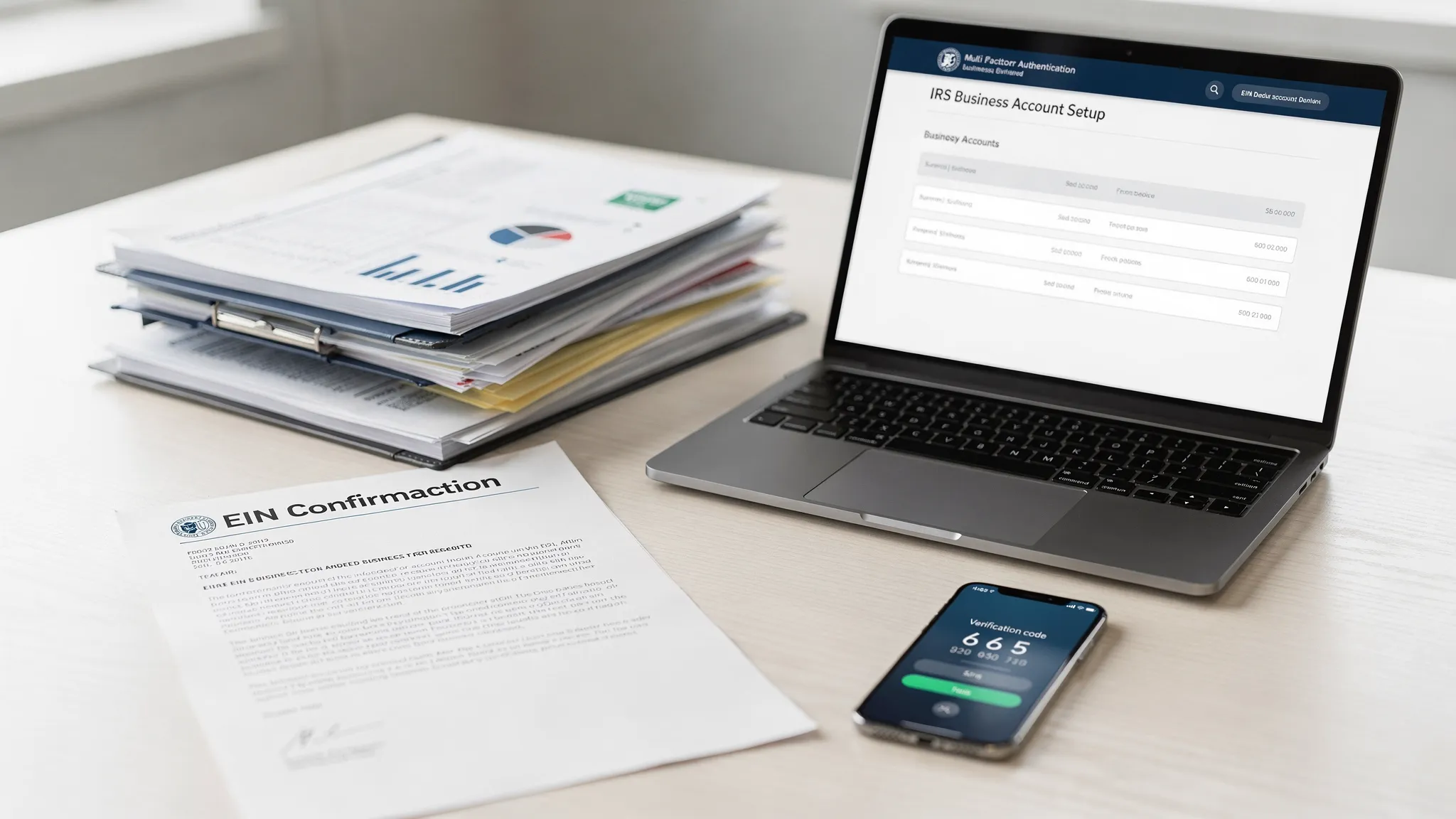
If you recently applied for an EIN, remember that new EINs may not be immediately recognized across every IRS system. For Form 2290 e-filing, it is common to allow about two weeks for the EIN and business name to become active in IRS e-file records. You can learn more in our guide on how to apply for an EIN online for Form 2290 filing.
How to Set Up an IRS Online Account for Business
The setup process may change as the IRS updates its systems, but the general workflow is straightforward. Always begin on IRS.gov, not from an email link or sponsored search ad that could lead to an unofficial site.
1. Go to the Official IRS Business Tax Account Page
Visit the official IRS Business Tax Account page. Check that the web address begins with https://www.irs.gov/ before entering any personal or business information.
From there, select the option to sign in or get started. If you already have an IRS online credential for personal tax access, you may be able to use the same sign-in provider, then follow prompts for business access.
2. Create or Sign In With Your IRS Identity Credential
The IRS uses secure identity verification for online services. You may be asked to create or sign in with an approved credential provider, complete multi-factor authentication, and verify your identity.
Use your own information. Do not create the account under an employee, dispatcher, spouse, or preparer unless that person is the authorized individual who should control the access.
You will typically need access to your email, phone, and identification documents during this step. If you already verified your identity for another IRS online service, the process may be faster.
3. Complete Identity Verification
Identity verification protects your business tax information from unauthorized access. You may need to provide a government-issued ID, take a selfie or complete a verification step, and confirm your phone or email.
If your ID scan fails, try better lighting, use the exact legal name shown on your ID, and make sure the document is not expired. If the system offers an alternate verification method, follow the official prompts.
4. Add or Confirm Your Business Information
After your personal identity is verified, the system may ask for business details. Enter your EIN, legal business name, and other requested information exactly as it appears in IRS records.
This is where many setup problems happen. For example, a trucking business may operate under a trade name on the truck door, but the IRS may have a different legal name on file. Use the legal name associated with the EIN, not just your DBA or brand name.
If you are filing Form 2290, this same EIN and legal name consistency matters. An EIN or business name mismatch is one of the most common causes of rejected truck tax filings.
5. Confirm Your Role With the Business
The IRS may ask you to confirm your relationship to the business. Choose the option that best reflects your actual role, such as owner, partner, officer, managing member, or another authorized role shown in the IRS prompts.
Do not guess if you are unsure. Selecting the wrong role can delay access or create compliance confusion. If your business has multiple owners or a more complex structure, consult your company records or tax professional before proceeding.
6. Turn On Strong Account Security
Once the account is created, secure it immediately. Use a unique password, enable multi-factor authentication, and save recovery options in a safe place.
For trucking businesses, this matters because your account may connect to sensitive data such as EIN details, payment information, notices, and other IRS records. Treat IRS account access with the same care as bank access.
7. Review the Dashboard and Save Key Records
After setup, review what the IRS makes available in your business account. Depending on your business and access level, you may see tax information, payment options, notices, transcripts, or authorization tools.
Make a habit of downloading or saving important records in your internal tax folder. For truckers and fleets, keep IRS records together with Form 2290 Schedule 1 copies, IRP documents, vehicle lists, VIN records, and HVUT payment confirmations.
Common Setup Problems and How to Fix Them
Even when you have the right information, IRS online account setup can hit a few roadblocks. Most issues are caused by identity verification, EIN matching, or role authorization.
| Problem | Likely cause | What to do |
|---|---|---|
| EIN does not match | Wrong EIN, new EIN, or legal name mismatch | Check your EIN confirmation letter and IRS notices |
| Business name is rejected | DBA entered instead of legal name | Use the exact legal name tied to the EIN |
| New EIN is not recognized | IRS systems may not be fully updated | Wait and try again, especially before e-filing Form 2290 |
| Identity verification fails | ID image, name mismatch, expired ID, or phone issue | Retry with clear documents and follow official alternate prompts |
| User cannot access business | Person may not be authorized | Have the correct owner, officer, partner, or authorized person set up access |
| Confusing login page | Unofficial site or phishing risk | Start directly from IRS.gov and avoid email links |
If the issue affects your ability to file Form 2290, do not wait until the last filing day. A rejected or delayed setup can interfere with registration deadlines, especially during the July and August HVUT season.
How an IRS Business Account Helps Truckers and Fleet Owners
For truck businesses, the biggest benefit of an IRS online account is organization. Your Form 2290 filing depends on accurate business and vehicle information, and your IRS business account can help you keep official tax details in order.
A clean tax workflow usually includes three parts: your IRS business identity, your HVUT filing process, and your payment records. When those pieces are consistent, you reduce the risk of rejections, missed deadlines, and registration delays.
For Form 2290, you should confirm these details before filing:
- EIN and legal business name match IRS records
- VINs are entered accurately
- Taxable gross weight category is correct
- First Used Month is correct
- Payment method is selected before the deadline
- Schedule 1 is downloaded and saved after IRS acceptance
You can review HVUT timing rules in our Form 2290 due dates guide. If you are ready to file, see our step-by-step guide on how to e-file Form 2290 with Simple Form 2290.
Can You File Form 2290 From an IRS Online Account for Business?
In most cases, no. The IRS online account for business is not designed as the fastest Form 2290 e-filing path for truckers who need a stamped Schedule 1.
The IRS explains Form 2290 requirements on its About Form 2290 page. If you report 25 or more vehicles, electronic filing is required. Even for one truck, e-filing is usually the fastest option because mailed paper returns can take weeks to process.
Simple Form 2290 is built specifically for HVUT filing. The platform provides an easy online filing portal, guided steps, bulk vehicle filings, secure data retrieval, professional customer support, bilingual support in English and Spanish, and Schedule 1 delivery after IRS acceptance.
Best Practices After Your IRS Business Account Is Set Up
Once your account is active, use it as part of your ongoing compliance routine rather than a one-time setup task.
Check business details before the Form 2290 season begins. The HVUT tax year starts July 1, and many July first-used vehicles are due by the end of August. If your legal business name, EIN, or address has changed, resolve the issue early.
Keep separate folders for IRS account records, Form 2290 filings, Schedule 1 copies, EFTPS confirmations, and vehicle documents. For fleets, organize records by tax year and unit number so your team can quickly retrieve proof for DMV, IRP, audits, or internal reviews.
Never share your IRS login with employees or outside preparers. If someone leaves your company, review access to email accounts, tax documents, saved passwords, and internal filing systems. IRS account security is part of business tax compliance.
Frequently Asked Questions
Is an IRS online account for business the same as an EIN? No. An EIN is your business tax identification number. An IRS online account for business is a secure login that lets eligible users access certain IRS business tax tools and information.
Do I need an IRS online account for business to file Form 2290? No. You can e-file Form 2290 through an IRS-authorized provider using your EIN, business details, vehicle information, and payment method. An IRS business account can help with tax administration, but it is not required for every Form 2290 filing.
Can I get my stamped Schedule 1 from my IRS business account? Your stamped Schedule 1 is issued after Form 2290 is accepted by the IRS. If you e-file through Simple Form 2290, you can download your Schedule 1 from your filing dashboard after IRS acceptance.
What if my new EIN does not work for Form 2290? New EINs often need time to become active in IRS e-file systems. If you just received an EIN, allow about two weeks when possible and make sure your legal business name matches the EIN record exactly.
Can my accountant use my IRS online account login? No. You should not share your personal IRS login. Accountants and tax professionals should use proper IRS authorization methods to access client information.
Does an IRS business account replace EFTPS? No. EFTPS is a federal tax payment system. An IRS business account may provide payment-related tools depending on eligibility, but EFTPS remains a separate system used by many businesses to schedule federal tax payments.
Ready to File Form 2290 and Get Your Schedule 1?
Setting up an IRS online account for business is a smart step for managing your business tax records, but it does not replace fast HVUT e-filing.
If you need to file Form 2290 for your truck or fleet, Simple Form 2290 makes the process simple, secure, and affordable. Use our IRS-authorized online portal to enter your business and vehicle details, file in minutes, and receive your stamped Schedule 1 after IRS acceptance.