Check Your IRS 2290 Payment Status Before Registration
Truck registration problems rarely start at the DMV counter. They usually start earlier, when a Form 2290 return is filed, a payment is scheduled, or a Schedule 1 is downloaded without checking whether everything matches. Before you renew registration, add one simple step to your process: check your IRS 2290 payment status and confirm your proof is ready.
For truckers, owner-operators, and fleet managers, Form 2290 is more than an annual tax form. It is tied directly to the ability to register heavy vehicles that operate on public highways. The IRS-stamped Schedule 1 is the document most state DMV and IRP offices look for, but payment records still matter because a failed, late, or mismatched payment can lead to notices, penalties, and costly follow-up.
As of August 2026, many carriers are in the busiest HVUT filing window. If your taxable vehicle was first used on public highways in July 2026, the filing and payment deadline is August 31, 2026. That makes it especially important to verify status before you head to the registration office.
Why IRS 2290 payment status matters before registration
Form 2290 is used to report and pay the Heavy Highway Vehicle Use Tax, often called HVUT, for highway motor vehicles with a taxable gross weight of 55,000 pounds or more. The standard tax period runs from July 1 through June 30. According to the IRS instructions for Form 2290, the return is generally due by the last day of the month after the month the vehicle is first used on public highways during the tax period.
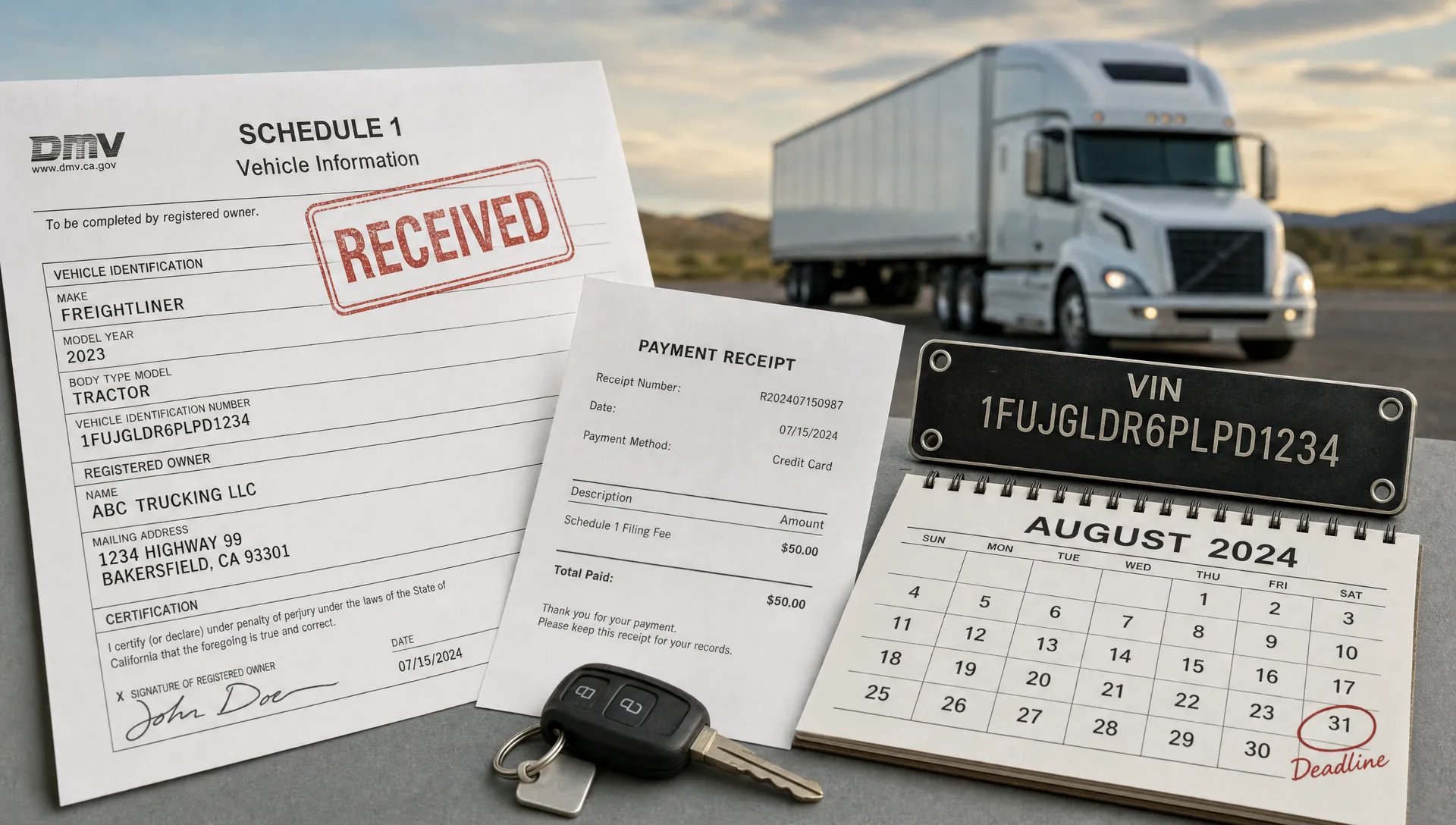
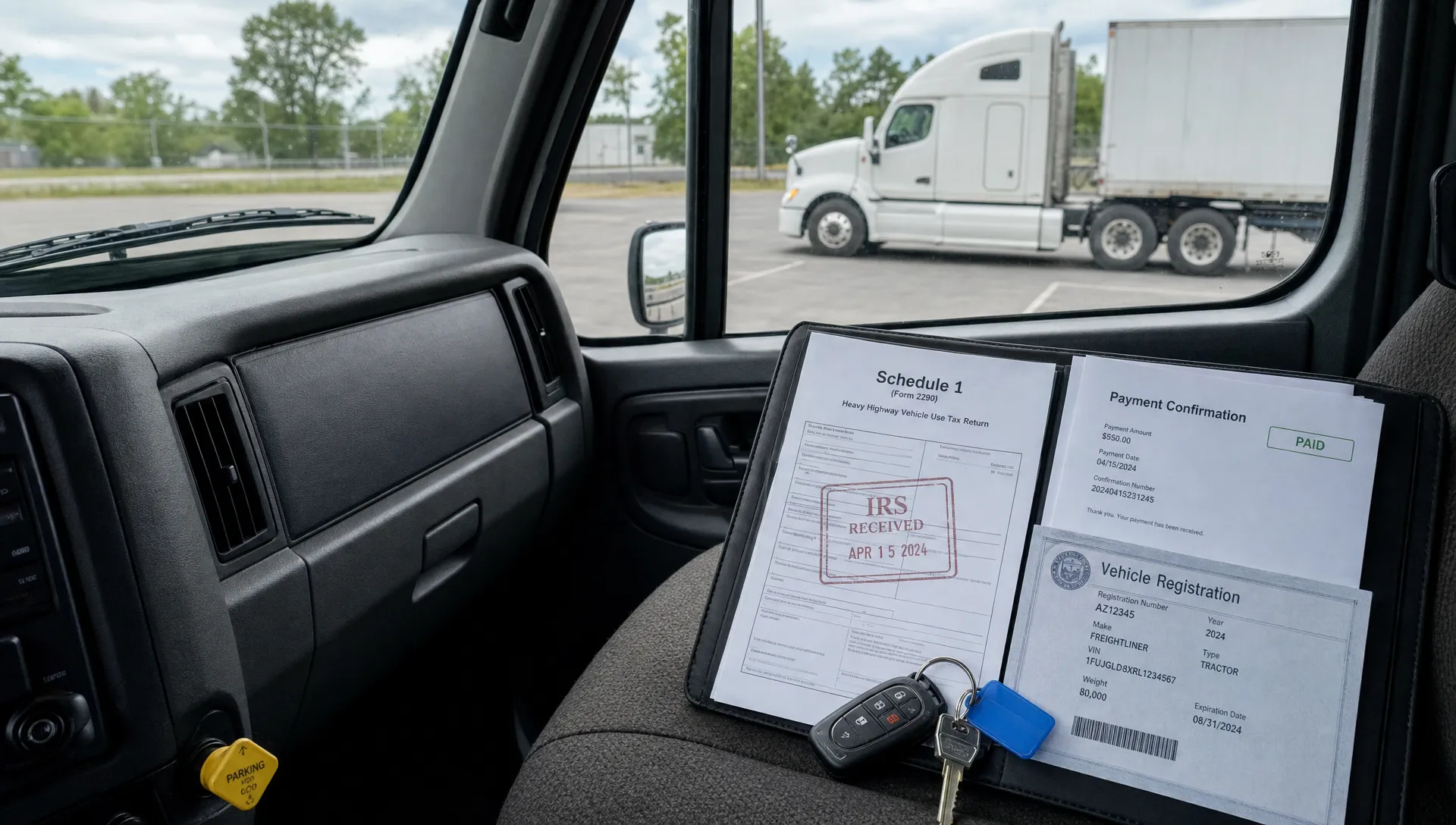
Registration offices usually need proof that HVUT has been filed and paid, or that the vehicle is properly reported as suspended if no tax is due. For e-filed returns, that proof is typically the IRS-stamped Schedule 1 with an electronic watermark. If the return is rejected, the VIN is wrong, the tax period is incorrect, or the payment was never completed, your registration can be delayed.
The key point is this: your Form 2290 filing status and your IRS 2290 payment status are related, but they are not always the same thing. A return can be accepted while an EFTPS payment is still scheduled for settlement. A card payment may be confirmed by a processor before it appears on your statement. A check payment may take longer to clear. Knowing where each part stands helps you avoid surprises.
Filing status, payment status, and Schedule 1 are not identical
Many truck owners use the phrase payment status when they really need to confirm three separate items. Before registration, it is worth checking all three.
| Item to verify | What it tells you | Why it matters for registration |
|---|---|---|
| Form 2290 filing status | Whether the IRS accepted, rejected, or is still processing the return | You need an accepted return to receive a valid stamped Schedule 1 |
| IRS 2290 payment status | Whether the HVUT payment was scheduled, submitted, settled, or cleared | A failed or late payment can create IRS notices, penalties, or follow-up issues |
| Schedule 1 accuracy | Whether the VIN, business name, EIN, tax period, and category are correct | DMV or IRP offices may reject proof that does not match registration records |
If you are unsure whether your return was accepted, rejected, or still pending, Simple Form 2290 has a separate guide that explains how to check 2290 filing status and what each status means.
For registration, the Schedule 1 is usually the document you show. For your tax compliance, payment status is the back-office check that confirms you do not have an unresolved balance or a payment timing issue.
What to check before going to the DMV or IRP office
Before you renew or register a heavy vehicle, open your Form 2290 records and compare them against your registration documents. Do not rely only on memory, especially if you manage multiple units or recently bought a vehicle.
At minimum, confirm these details:
- The IRS-stamped Schedule 1 is for the correct tax period.
- The VIN on Schedule 1 exactly matches the vehicle registration paperwork.
- The EIN and business name match the entity registering the vehicle.
- The first used month is correct for the tax period.
- The taxable gross weight category is correct.
- The payment method selected during filing matches your actual payment record.
- Any suspended vehicle is correctly reported if it is expected to stay under the mileage limit.
For newly purchased vehicles, some states may allow temporary registration with proof of purchase if the vehicle was bought recently, but that does not remove your federal Form 2290 filing obligation. Always check your state DMV or IRP rules before assuming an exception applies.
How to verify your IRS 2290 payment status by payment method
The right way to check payment status depends on how you chose to pay the HVUT. The IRS allows several payment options, and each creates a different kind of confirmation.
| Payment method | How to check status | Proof to keep with your records |
|---|---|---|
| Electronic funds withdrawal | Check your bank account for the IRS debit and compare the amount to your Form 2290 tax due | Bank transaction record, filing confirmation, and stamped Schedule 1 |
| EFTPS | Review your EFTPS payment history for the confirmation number, tax form, payment date, and settlement date | EFTPS confirmation and settlement details |
| Credit card, debit card, or digital wallet | Check the IRS-approved payment processor receipt and your card or wallet statement | Processor receipt, statement record, and Schedule 1 |
| Check or money order with Form 2290-V | Track mailing, confirm the check cleared, and allow extra processing time | Copy of voucher, mailing proof, and cleared check image |
| Zero tax due or suspended vehicle | Confirm the return was accepted and Schedule 1 lists the vehicle correctly | Accepted Schedule 1 and mileage support records |
EFTPS deserves extra attention because scheduling a payment is not the same as settlement. If you use EFTPS close to a deadline, cutoff times can affect whether the IRS treats the payment as timely. This overview of EFTPS payment timing for Form 2290 explains how the settlement date and cutoff time work.
Also remember that a provider filing fee is separate from the HVUT tax amount owed to the IRS. Paying a service fee to e-file does not, by itself, mean your 2290 tax has been paid. Always verify the actual IRS tax payment method and amount.
What if your Schedule 1 is ready but the payment is still pending?
This is a common situation for e-filed Form 2290 returns. When the IRS accepts an electronic return, the stamped Schedule 1 can often be generated quickly. However, depending on the payment method, the payment may settle later.
If your return is accepted and your Schedule 1 is accurate, you may have the proof needed for registration. Still, you should not ignore the payment side. A payment that fails because of incorrect bank information, insufficient funds, an EFTPS scheduling error, or a card processor issue can leave the tax unpaid even though you already downloaded Schedule 1.
If payment has not appeared where expected, start with the payment channel you used. Check EFTPS history for the tax period and form type. Review bank details if you selected electronic funds withdrawal. Look at the processor receipt if you paid by card or digital wallet. If you mailed a check, confirm delivery and whether the check was cashed.
Avoid making a duplicate payment too quickly unless you are sure the first payment failed. Duplicate payments can usually be addressed, but they create extra work and may require a refund or credit request later.
Common issues that can delay registration or create payment confusion
A registration delay is often caused by a small detail that is easy to miss during filing. The good news is that most issues can be prevented with a careful review before submission.
Watch for these common problems:
- EIN entered incorrectly or too recently issued to validate with IRS records.
- Business name that does not match IRS records.
- VIN typo, missing character, or mix-up between similar vehicles.
- Wrong tax period selected, especially around July and August.
- Wrong first used month, which can affect the amount due.
- EFTPS payment scheduled under the wrong form, tax type, or period.
- Bank account or routing number entered incorrectly for electronic withdrawal.
- Confusing a filing receipt with the IRS-stamped Schedule 1.
If you are preparing a new filing, review these Form 2290 mistakes to avoid while filing online before you submit. A few minutes of review can save a rejected return, a corrected VIN request, or a second trip to the DMV.
A simple pre-registration checklist for truckers and fleets
Whether you manage one truck or a large fleet, create a repeatable registration-ready process. It does not need to be complicated. The goal is to make sure the person handling registration has the right document and the person handling tax records has proof that payment was completed.
Use this quick checklist before registration day:
- Download the IRS-stamped Schedule 1 and save it as a PDF.
- Match every VIN on Schedule 1 to the registration paperwork.
- Confirm the tax period is current for the registration being renewed.
- Verify that the IRS 2290 payment status is scheduled, settled, cleared, or otherwise documented.
- Keep EFTPS, bank, card processor, or check records in the same folder as Schedule 1.
- Confirm suspended vehicles have mileage support if no tax was due.
- Bring backup documentation if your vehicle was purchased recently.
- Store records somewhere your office can retrieve later if the DMV, IRP office, or IRS asks for proof.
For fleets, this process is especially important because one incorrect VIN or missing Schedule 1 page can delay a registration batch. A fleet management dashboard or organized e-file account can help keep Schedule 1 copies and filing details easier to retrieve.
When to contact your e-file provider, payment processor, or the IRS
Contact your e-file provider when you need help with the filing record, rejected return, Schedule 1 retrieval, or VIN and tax period details submitted through the platform. A provider can help you understand the filing workflow and confirm whether the return was accepted or rejected.
Contact EFTPS, your bank, or your card processor when the question is about whether funds moved or a payment was scheduled correctly. These systems control payment confirmations and transaction records.
Contact the IRS when you need official help reconciling a tax account, resolving a payment applied to the wrong period, or addressing a notice. The IRS Trucking Tax Center is a useful starting point for official Form 2290 information.
The more documentation you have, the easier these conversations become. Keep your EIN, VIN, tax period, filing date, payment amount, and confirmation numbers ready before calling or submitting a support request.
Frequently Asked Questions
Is Schedule 1 the same as IRS 2290 payment status? No. Schedule 1 is the proof generated when the IRS accepts your Form 2290 return. Payment status tells you whether the tax payment was scheduled, processed, settled, or cleared through your selected payment method.
Can I register my truck if my Form 2290 payment is still pending? Many registration offices focus on the IRS-stamped Schedule 1, but you should still verify payment. If the payment later fails, you may owe tax, penalties, and interest even if registration was completed.
How long does it take to confirm a 2290 payment? It depends on the payment method. EFTPS and card payments provide confirmations, but settlement and statement posting can take additional time. Mailed checks can take much longer and are not ideal when registration is urgent.
What if I paid the e-file fee but not the HVUT tax? The e-file service fee is not the same as the federal HVUT payment. Check the payment method selected for the tax itself, such as electronic funds withdrawal, EFTPS, card payment, or check.
What should I do if the VIN on Schedule 1 is wrong? Do not use an incorrect VIN for registration if the DMV or IRP office requires an exact match. Review your filing record and work with your e-file provider or follow the IRS correction process for the VIN issue.
Keep your 2290 proof ready before registration
Checking your IRS 2290 payment status before registration is a simple habit that can prevent DMV delays, IRS notices, and last-minute stress. Confirm the return is accepted, make sure Schedule 1 is accurate, and keep payment proof in the same place as your registration documents.
With Simple Form 2290, truckers and fleet owners can e-file through an IRS-authorized online platform, use a guided filing process, handle bulk vehicle filings, retrieve records, and get support in English or Spanish. File early, verify your payment, and arrive at registration with the proof you need.