EZ File 2290: A Quick Guide to Fast, Error-Free HVUT Filing
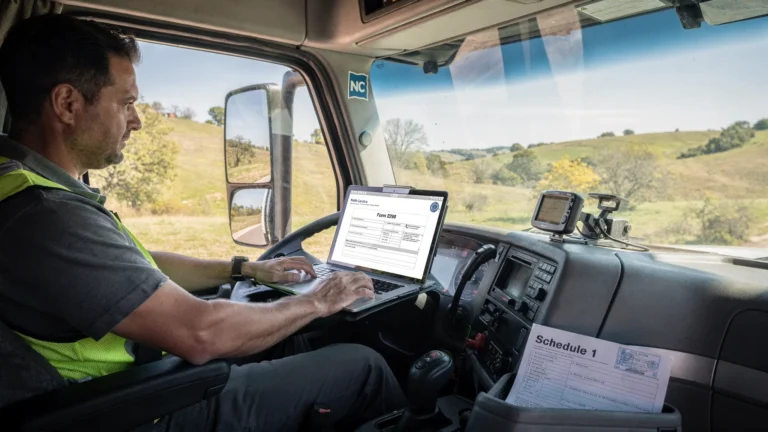
If you searched for ez file 2290 because your Schedule 1 is holding up a tag renewal, plate registration or dispatch schedule, you are not alone. Truckers do not file HVUT because they enjoy tax paperwork. They file because a stamped Schedule 1 is often the document that keeps a truck legal, moving and earning.
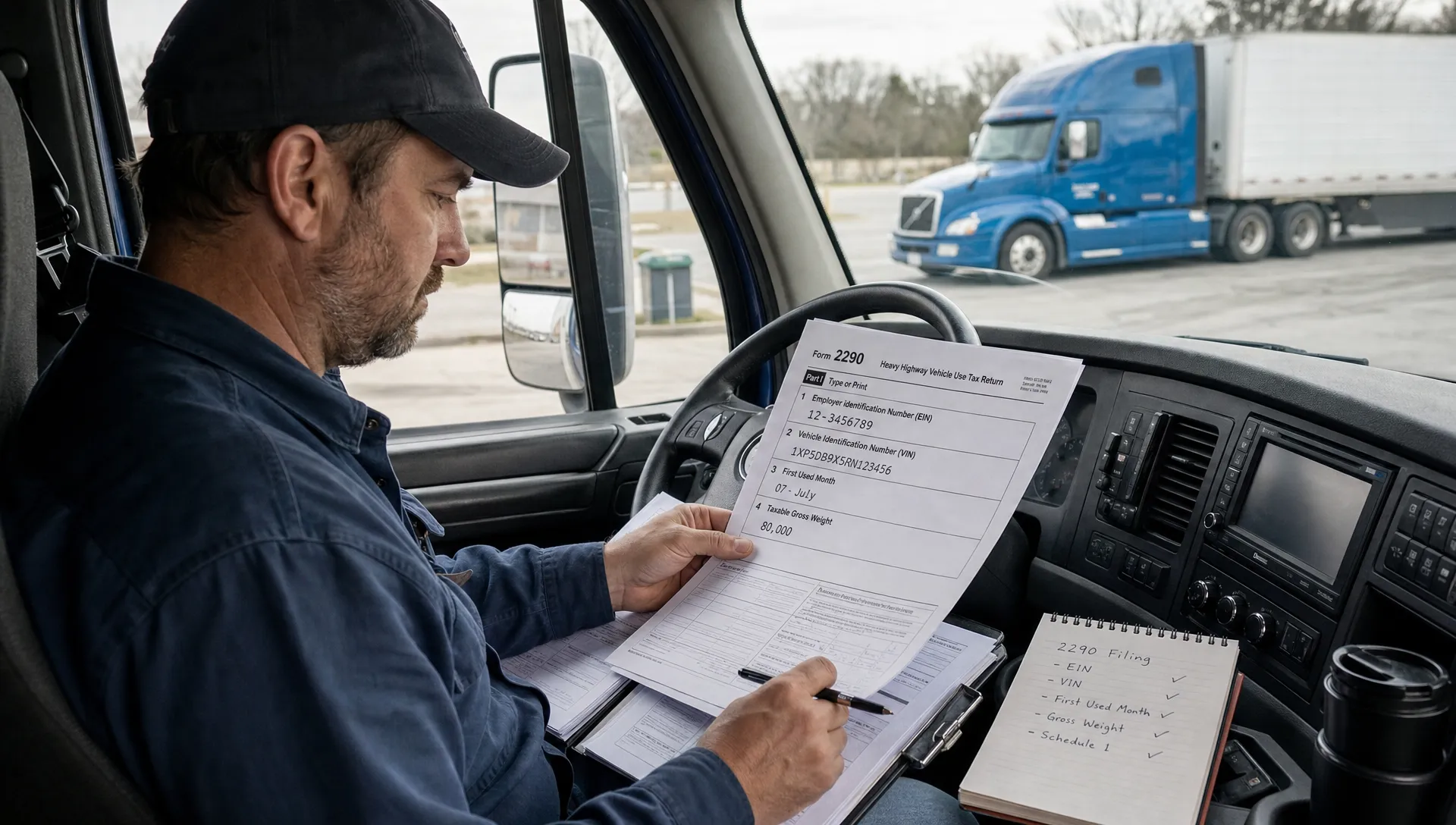
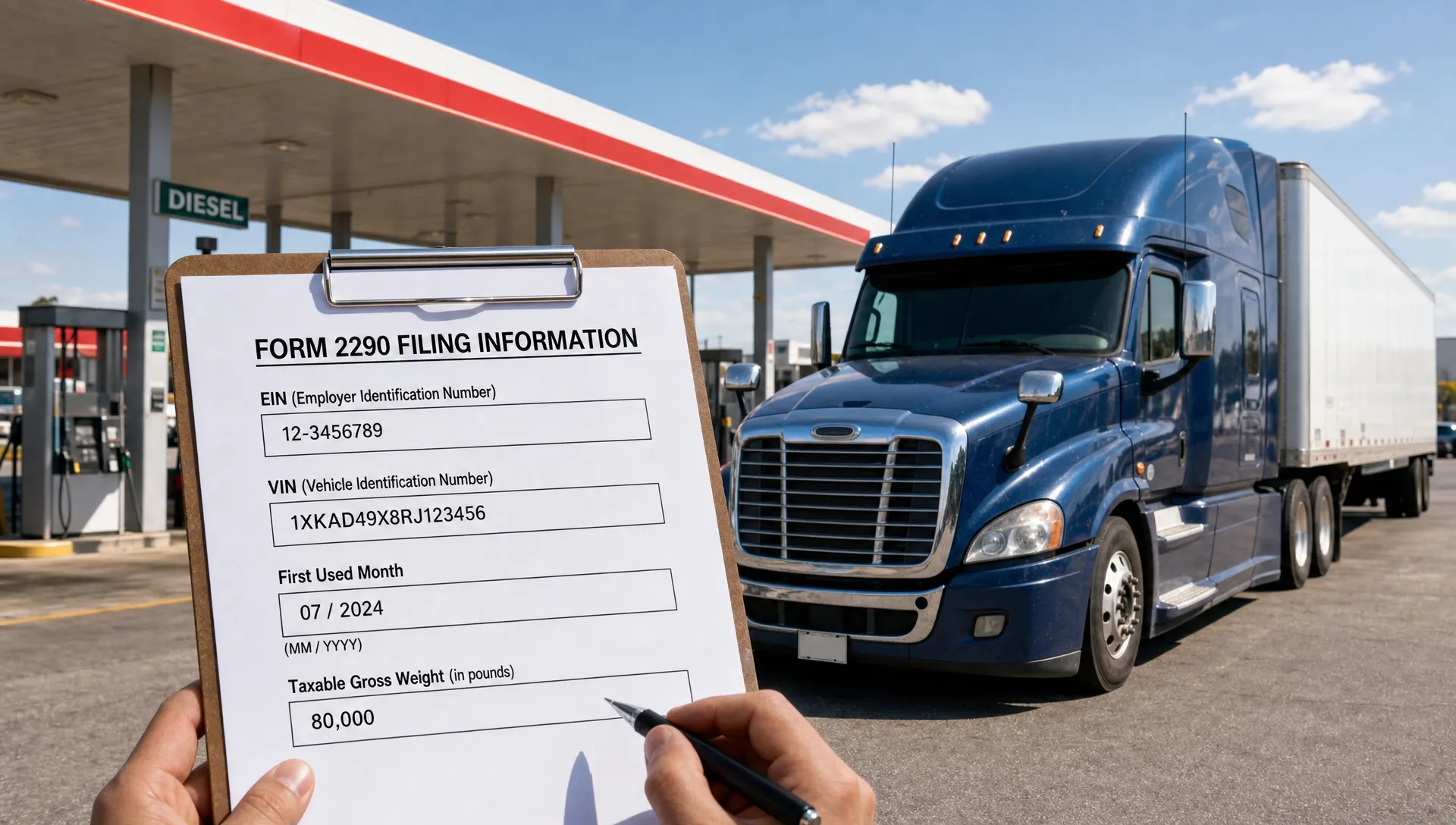
The good news is that Form 2290 filing can be quick when you have the right information ready before you start. The bad news is that small details, especially EIN, VIN, first-used month and taxable gross weight, can slow everything down if they are entered wrong.
This guide keeps things practical. We will walk through who needs to file, what to gather, how to avoid the most common mistakes and how an IRS-authorized e-file provider helps you get through the process with less back-and-forth.
What ez file 2290 really means for truckers
For most owner-operators and fleet managers, ez file 2290 means filing Heavy Vehicle Use Tax online without turning a simple requirement into a half-day project. It is not about rushing through the form blindly. It is about using a clean process so you can submit accurate information the first time.
IRS Form 2290 is used to report and pay Heavy Highway Vehicle Use Tax, commonly called HVUT. In general, it applies to highway motor vehicles with a taxable gross weight of 55,000 pounds or more that are operated on public highways. The IRS explains the form and related requirements in its official Form 2290 instructions.
Once the IRS accepts your return, you receive a stamped Schedule 1. That document is commonly needed for vehicle registration, tag renewal and proof of HVUT compliance.
Who needs to file Form 2290?
You usually need to file Form 2290 if you own or operate a taxable highway motor vehicle with a taxable gross weight of 55,000 pounds or more. This includes many semi trucks, heavy tractors and other commercial vehicles used on public highways.
Taxable gross weight generally includes the unloaded weight of the vehicle, the unloaded weight of any trailers or semi-trailers customarily used with it and the maximum load usually carried. If your truck is close to a weight threshold, do not guess. Check your registration records, manufacturer information or fleet records before filing.
Some vehicles may be reported as suspended if they are expected to travel 5,000 miles or less during the tax period, or 7,500 miles or less for agricultural vehicles. Suspended does not always mean “do nothing.” In many cases, the vehicle still needs to be reported on Form 2290.
The deadline in plain English
The HVUT tax period runs from July 1 through June 30. If your truck is first used on public highways in July, the usual filing deadline is the last day of August. If the vehicle is first used in a later month, the filing deadline is generally the last day of the month after the first-used month.
That timing matters. If you ez file 2290 after the deadline, you may still be able to file, but penalties and interest can apply depending on your situation. If you are unsure about a late filing or unusual vehicle use, it is worth checking IRS guidance or speaking with a tax professional.
How to ez file 2290 in one clean sitting
A smooth filing starts before you open the form. The fastest way to ez file 2290 is to treat it like a short pre-trip inspection: gather the basics, check the critical numbers and then submit.
Here is what you should have ready:
- Business name exactly as it appears in IRS records
- Employer Identification Number, also called EIN
- Business address
- Vehicle Identification Number for each truck
- Taxable gross weight category
- First-used month
- Mileage expectation for suspended vehicles
- Payment method for the HVUT amount due
Your EIN deserves special attention. The IRS generally does not accept a Social Security number in place of an EIN for Form 2290 filing. Also, a brand-new EIN may need time before it is recognized in IRS e-file systems, so filing at the last minute can create unnecessary stress.
If you want a platform-specific walkthrough, Simple Form 2290 has a separate guide on how to e-file Form 2290 with Simple Form 2290 that shows the basic flow from account setup to Schedule 1.
The filing flow, step by step
Online filing is usually easier when you understand the order of the process. Most e-file portals follow the same basic path, even if the screens look different.
| Step | What you do | What to double-check |
|---|---|---|
| Business details | Enter legal name, EIN and address | Name and EIN must match IRS records |
| Vehicle details | Add VIN, first-used month and weight category | VIN characters, especially 0 and O, 1 and I |
| Tax review | Confirm HVUT amount or suspended status | Weight category and mileage estimate |
| IRS payment | Choose an IRS-supported payment method | Payment details and confirmation |
| Submission | Transmit the return electronically | Final review before sending |
| Schedule 1 | Download the stamped proof after acceptance | Save a copy for registration and records |
When you ez file 2290, the review screen is not just a formality. It is your last chance to catch a wrong VIN, wrong first-used month or business name mismatch before the IRS receives the return.
For payment, e-filing your return and paying the IRS are related but not the same thing. Depending on what the provider supports, you may be able to choose options such as direct debit, EFTPS or check or money order. The IRS receives the return through the e-file system, then your selected payment method handles the tax amount due.
Small errors that cause big delays
Most Form 2290 problems are not dramatic. They are usually small entry errors that create rejections, corrections or wasted time. A single wrong VIN character can make your Schedule 1 less useful for registration, even if everything else is right.
If you file for multiple trucks, the risk grows because the same type of mistake can repeat across many vehicles. That is why fleet owners should avoid copying old records without checking whether trucks were sold, added, suspended or used in a different month.
Common errors include:
- Using a Social Security number instead of an EIN
- Filing before a new EIN is active in IRS systems
- Entering the wrong first-used month
- Choosing the wrong taxable gross weight category
- Mistyping the VIN
- Filing a duplicate return for the same vehicle and tax period
- Forgetting to report a suspended vehicle that still needs to be listed
For a deeper mistake-by-mistake breakdown, this guide to common HVUT Form 2290 filing mistakes is a useful companion before you submit.
Why e-filing beats paper for most drivers
Paper filing still exists, but it is rarely the fastest route if you need a stamped Schedule 1 soon. Mailing a form means waiting for delivery, manual processing and return handling. If something is wrong, the correction cycle can take even longer.
By contrast, e-filing lets you submit the return electronically and receive the stamped Schedule 1 after IRS acceptance. For fleets, electronic filing is more than convenient. The IRS requires e-filing when reporting 25 or more vehicles on Form 2290.
If you ez file 2290 before a registration appointment or dispatch deadline, the main benefit is time control. You can prepare the return from your office, truck stop or home instead of waiting on mail or standing in line.
E-filing also helps with recordkeeping. A digital Schedule 1 is easier to store, retrieve and share when a DMV office, leasing company or compliance manager asks for it.
What to look for in a 2290 e-file provider
Not all filing experiences feel the same. A good provider should make the process simple without hiding important details from you.
Look for an IRS-authorized provider, clear pricing, guided entry screens and support that can help when a rejection or question comes up. If you manage several trucks, bulk filing and a fleet-friendly workflow can save time during peak HVUT season.
Simple Form 2290 is built around those needs, with an online filing portal, step-by-step guidance, instant Schedule 1 delivery after IRS acceptance, bulk vehicle filing, customer support, data retrieval, affordable flat pricing and bilingual support in English and Spanish. You can start from the Simple Form 2290 homepage when you are ready to file.
A good portal should make it simple to ez file 2290, but it should still give you enough visibility to review every critical detail before submission. Fast filing is only helpful when it is also accurate filing.
A quick pre-submit checklist
Before you transmit your return, slow down for two minutes. That tiny pause can save hours later.
Check that your business name matches IRS records, your EIN is correct and your address is current. Review every VIN from the vehicle title, registration or trusted fleet record instead of relying on memory. Confirm the first-used month, especially if the truck was purchased, leased, sold or placed in service after July.
Also confirm whether each vehicle is taxable or suspended. If a suspended vehicle later exceeds the mileage limit, you may need to file an amendment and pay the applicable tax. Finally, save your stamped Schedule 1 in more than one place once it is accepted. A cloud folder and a local copy can prevent a last-minute scramble when paperwork is needed.
Frequently Asked Questions
Can I file Form 2290 without an EIN? No. Form 2290 generally requires an Employer Identification Number. A Social Security number is not a substitute for HVUT e-filing.
How fast can I get my Schedule 1? With e-filing, the stamped Schedule 1 is typically available after IRS acceptance. Timing can vary if the IRS rejects the return or if there is an EIN mismatch.
Do I need to file if my truck is under 55,000 pounds? Vehicles under the taxable gross weight threshold generally are not subject to HVUT on Form 2290. Check the IRS rules if your vehicle is close to the threshold or has a special use case.
Can fleets file multiple trucks at once? Yes. Many online providers support bulk vehicle filings, which is helpful for fleets with several trucks in the same tax period.
Is ez file 2290 the same as paying the IRS? No. When you ez file 2290, you submit the return electronically. You still need to choose and complete an IRS-supported payment method for any HVUT owed.
File once, file clean and keep moving
Form 2290 does not have to be complicated, but it does reward careful filing. Get the EIN, VIN, first-used month and taxable gross weight right before you submit, then keep your stamped Schedule 1 where you can find it.
If you want a guided process instead of wrestling with paper forms, Simple Form 2290 gives truckers and fleet owners a fast, secure way to e-file HVUT online and receive Schedule 1 after IRS acceptance.