IRS Tax Questions: Best Answers for First-Time Filers
Filing taxes with the IRS for the first time can feel like learning a new language. That is especially true if you are a new owner-operator, you just bought a truck, or you are registering under IRP and suddenly everyone is asking for “Schedule 1.”
This guide answers the most common IRS tax questions first-time filers run into, with a focus on Form 2290 (Heavy Vehicle Use Tax, also called HVUT) because it is one of the most time-sensitive filings for truck owners.
1) “Which IRS form am I supposed to file?” (Form 2290 vs income taxes)
A lot of first-time filers assume “truck taxes” are part of their annual income tax return. In reality, Form 2290 is a federal excise tax return, not an income tax return.
- Form 2290 is used to report and pay HVUT for certain heavy highway motor vehicles.
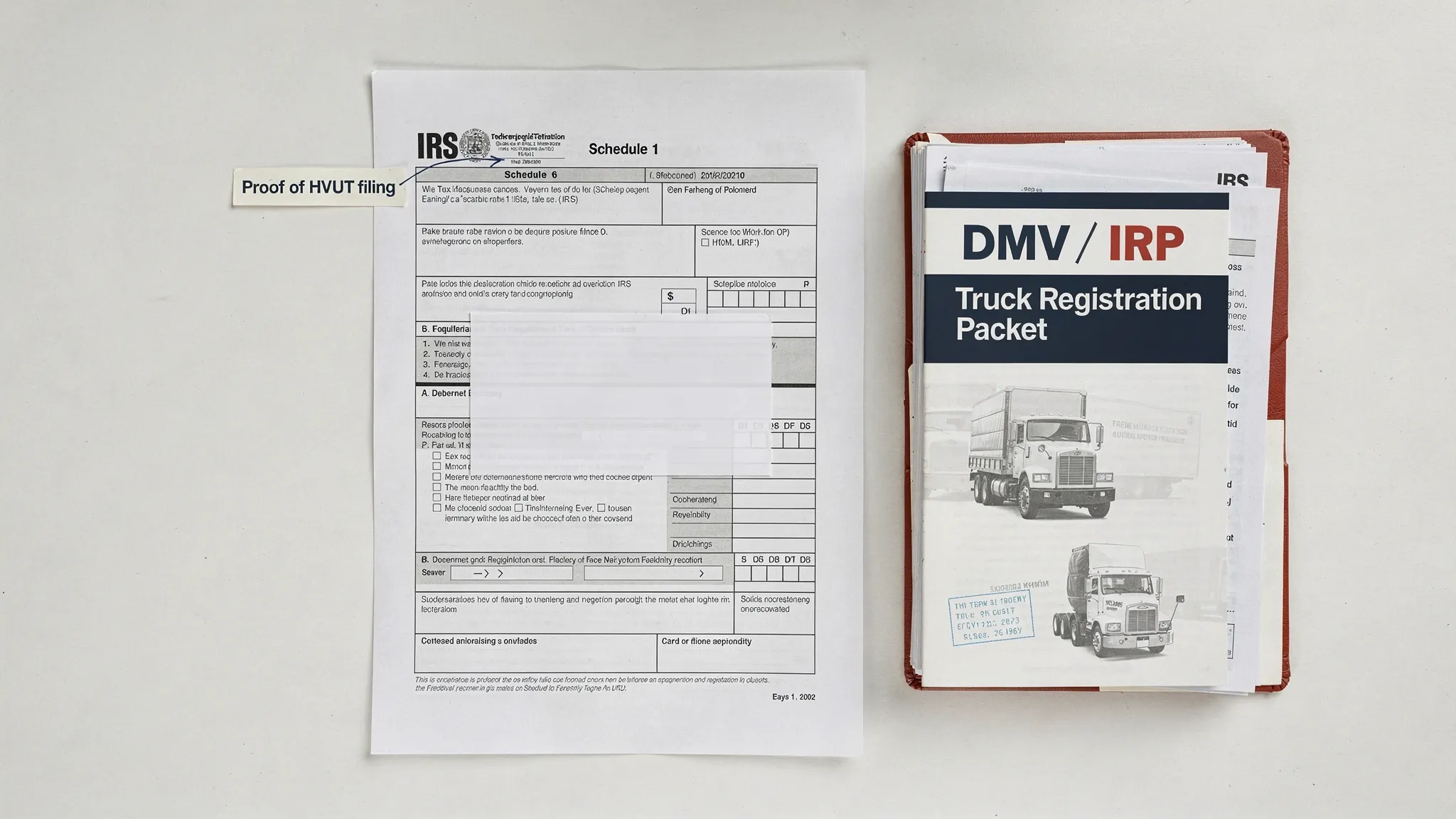
- Schedule 1 (Form 2290) is the proof your return was accepted and your HVUT is paid or properly reported (for example, suspended vehicles). DMVs and IRP offices commonly require the IRS-stamped Schedule 1 to register or renew plates.
If you are trying to register a truck and the clerk says you need “2290,” what they almost always mean is an IRS-stamped Schedule 1.
For an IRS overview of the form and rules, see the IRS resource page for Form 2290.

2) “Do I even need to file Form 2290?”
In general, you must file Form 2290 if you have a highway motor vehicle with a taxable gross weight of 55,000 pounds or more and it is used on public highways during the tax period.
A few common first-timer scenarios that trigger filing:
- You bought a used semi and need plates or IRP registration.
- You placed a heavy vehicle into service for the first time this month.
- Your vehicle was previously suspended (low mileage) but you now expect to exceed the mileage threshold.
There are also exemptions and special categories (government, certain non-profits, some off-highway equipment, etc.). If you are unsure, it helps to read a trucking-focused explanation of who must file and what counts as taxable weight before you submit anything. Simple Form 2290 maintains a practical guide here: Who must file Form 2290.
3) “What information do I need before I start?”
Most first-time filing issues are not “tax” problems, they are data problems. The IRS e-file system is strict about matching and formatting.
Here is what you should gather before you file:
| What the IRS asks for | What it means (in plain English) | Where first-time filers usually find it |
|---|---|---|
| EIN | Your business tax ID (Form 2290 e-file uses an EIN, not an SSN) | IRS EIN confirmation letter (CP 575) or prior business filings |
| Business name | Must match the EIN registration with the IRS | IRS notice/letter for the EIN, not a DBA variation |
| VIN | 17-character vehicle ID | Truck title, registration, or VIN plate |
| Taxable gross weight category | Weight bracket used to determine HVUT | Registration docs, fleet specs, and your typical operating configuration |
| First Used Month (FUM) | First month the vehicle is used on public highways in the tax period | Dispatch/start-of-service date for the vehicle |
| Vehicle type status | Taxable, logging, agricultural, or suspended (low mileage) | Your operation and mileage expectations |
If you do not have an EIN yet, start there first. The IRS explains how to apply online, and many filers can get an EIN immediately: Apply for an EIN online.
(Simple Form 2290 also has an EIN walk-through written specifically for HVUT filers: How to apply for an EIN online for Form 2290 filing.)
4) “When is it due?” (The deadline rule that trips up new filers)
Form 2290 does not follow the same schedule as personal income taxes.
- The HVUT tax period generally runs July 1 through June 30.
- Your deadline is usually the last day of the month following your vehicle’s First Used Month.
Many first-time filers get in trouble because they assume there is only one annual due date. There is a common annual deadline for vehicles first used in July, but vehicles first used later in the year follow the month-by-month rule.
Because deadlines can shift when a date falls on a weekend or legal holiday, it is smart to confirm the exact deadline for your situation before you file. This due date guide breaks it down clearly: Form 2290 due dates.
5) “How much tax will I owe?” (And what actually changes the amount)
HVUT is mainly driven by:
- Taxable gross weight (reported in IRS weight categories)
- Vehicle use type (regular vs logging, and certain special statuses)
- First Used Month, which can create a prorated amount if the vehicle is first used later in the tax period
If you are trying to estimate costs for a new truck purchase or you are budgeting for a fleet, use a source that aligns with the IRS category system. A straightforward explanation and calculator-style walkthrough is here: How to calculate HVUT tax for Form 2290.
One practical tip for first-time filers: if your operating configuration will change (for example, adding a trailer setup that increases taxable gross weight), you may end up needing a taxable weight increase amendment later. Getting the weight category right up front reduces rework and potential registration delays.
6) “How do I pay the IRS for Form 2290?” (And what is the safest option)
The IRS allows multiple payment methods for HVUT. The best choice depends on speed and how you run your business.
Common options include:
- Electronic funds withdrawal (direct debit) when you e-file
- EFTPS (Electronic Federal Tax Payment System)
- Credit/debit card through IRS-approved payment processors
- Check or money order (often paired with the 2290-V payment voucher when mailing)
If you are new to EFTPS, timing matters. EFTPS payments use a settlement date and have cutoff rules, so you generally want to schedule the payment with a buffer before the deadline. This step-by-step resource is built for truck owners: How to pay Form 2290 on EFTPS.
And if you are mailing a payment, make sure you understand when the 2290-V voucher is needed and where it goes: What is Form 2290-V and when do you need it?
7) “My return got rejected. Did I do something wrong?”
A rejection usually means the IRS e-file system could not validate something. It does not automatically mean you are being audited or that you owe a penalty.
For first-time filers, the most common rejection triggers are:
- EIN and business name mismatch (for example, using a DBA instead of the IRS-registered name)
- VIN entered incorrectly (transposed characters are common)
- Wrong tax period or First Used Month
- Duplicate filing for the same VIN and period
What to do next depends on the status you see. This guide explains the common status messages (Accepted, Rejected, Pending) and the fastest ways to resolve issues: How to check 2290 filing status.
If the issue is a VIN mistake, a VIN correction amendment is often the cleanest fix. Here is a focused walkthrough: Form 2290 VIN correction.
If the issue is that you used the wrong type of tax ID, this clarification helps a lot of first-timers: Is TIN the same as EIN?
8) “What if something changes after I file?” (Amendments, suspended vehicles, refunds)
First-time filers are often surprised that Form 2290 is not always “one and done.” Common changes mid-year can require additional IRS action.
Taxable gross weight increased
If your vehicle moves into a higher taxable weight category after filing, you may need a taxable weight increase amendment and pay the additional tax for the remaining months.
- Guide: Taxable weight amendments
Suspended vehicle exceeded mileage
If you filed the vehicle as suspended (low mileage) and later exceed the mileage limit, you typically need to file an amendment and pay the tax.
- Overview of amendment types: Form 2290 amendments
Sold, stolen, destroyed, or overpaid
You may be eligible for a credit or refund in certain situations, which is commonly handled through Form 8849 with documentation.
- Starting point: Form 2290 refund guide
9) “Should I call the IRS, or is there a faster way to get help?”
Calling the IRS can make sense when you need clarification on notices, payments posted to the wrong period, or account-level questions. But for many first-time Form 2290 problems, the fastest fix is often correcting data and retransmitting through an IRS-authorized e-file provider.
Here is a simple way to choose where to start:
| Situation | Best first step | Why |
|---|---|---|
| You need Schedule 1 quickly for plates/IRP | E-file through an IRS-authorized provider | Fastest path to an IRS-stamped Schedule 1 after acceptance |
| Your return was rejected for VIN/EIN/FUM issues | Fix the entry and retransmit, then re-check status | Most rejections are validation errors, not disputes |
| You received an IRS notice you do not understand | Call the IRS with your notice in hand | IRS can interpret notice codes and account actions |
| You need IRS phone numbers for excise tax help | Use an up-to-date list of official lines | Avoid wasted time and wrong departments |
This page consolidates key IRS lines used by HVUT filers, including the excise tax help desk: IRS customer support phone numbers.
Filing the first time without stress: a simple workflow
If you want a reliable first-time filing experience, focus on three outcomes:
- The IRS accepts your Form 2290.
- You receive your IRS-stamped Schedule 1.
- You can retrieve your records later, especially during renewals and audits.
Simple Form 2290 is an IRS-authorized e-file provider built specifically for HVUT filing, with a guided online process, bulk filing support for fleets, bilingual support (English/Spanish), and fast Schedule 1 delivery after acceptance. If your goal is to file accurately and get proof of filing quickly for registration, you can start here: E-file Form 2290 online.