Online Tax Forms: How to Fill, Save, and Submit Correctly
Filing online tax forms is one of the fastest ways to stay compliant, but speed can backfire if you enter the wrong ID number, pick the wrong tax period, or submit without saving proof. For truckers and fleet owners, those small mistakes can mean a rejected IRS return, a delayed Schedule 1, and a missed registration deadline.
This guide breaks the process into three practical parts: how to fill online tax forms accurately, how to save the right records, and how to submit correctly so you get a clean confirmation.
What counts as an “online tax form” (and what does not)
“Online tax forms” usually means one of these workflows:
- Web-based e-filing through an authorized provider (common for excise forms like IRS Form 2290)
- IRS online tools (for certain actions like applying for an EIN)
- Fillable PDFs that you complete on a computer but may still print and mail
For HVUT taxpayers, the IRS Form 2290 process is heavily oriented toward e-filing because you typically need proof of filing and payment (Schedule 1) for IRP registration and other compliance needs. The IRS Form 2290 overview is here: IRS Form 2290.
Before you type anything: prep prevents rejections
Most online tax form errors happen before you even start filling, because the filer is missing one required detail or is using info that does not match IRS records.
A quick “ready to file” checklist
Use this as a pre-flight check, especially if you are filing Form 2290.
| What to gather | Why it matters for online tax forms | Common issue to avoid |
|---|---|---|
| Legal business name and address | Must match IRS records for successful acceptance | Using a DBA name when the IRS has a different legal name |
| EIN (not SSN/ITIN for Form 2290) | Form 2290 requires an EIN | EIN recently issued, or name/EIN mismatch |
| VIN(s) and vehicle details | VIN accuracy drives Schedule 1 accuracy | Swapped characters (O vs 0), missing digit |
| Taxable gross weight category | Determines HVUT amount | Picking a category that does not match registration/weight |
| First used month (for Form 2290) | Determines the filing period and proration | Selecting the wrong month, then needing an amendment |
| Payment method plan | Avoids last-minute payment confusion | Submitting without a clear payment method |
If you still need an EIN for Form 2290, the IRS EIN application portal is here: Apply for an EIN. (Tip: make sure your EIN and legal business name match exactly on your filing.)
How to fill online tax forms correctly (the accuracy layer)
Online filing is “simple” only when your data is consistent. Think of online forms as structured data, not paperwork. Every field is validated somewhere.
Use source documents, not memory
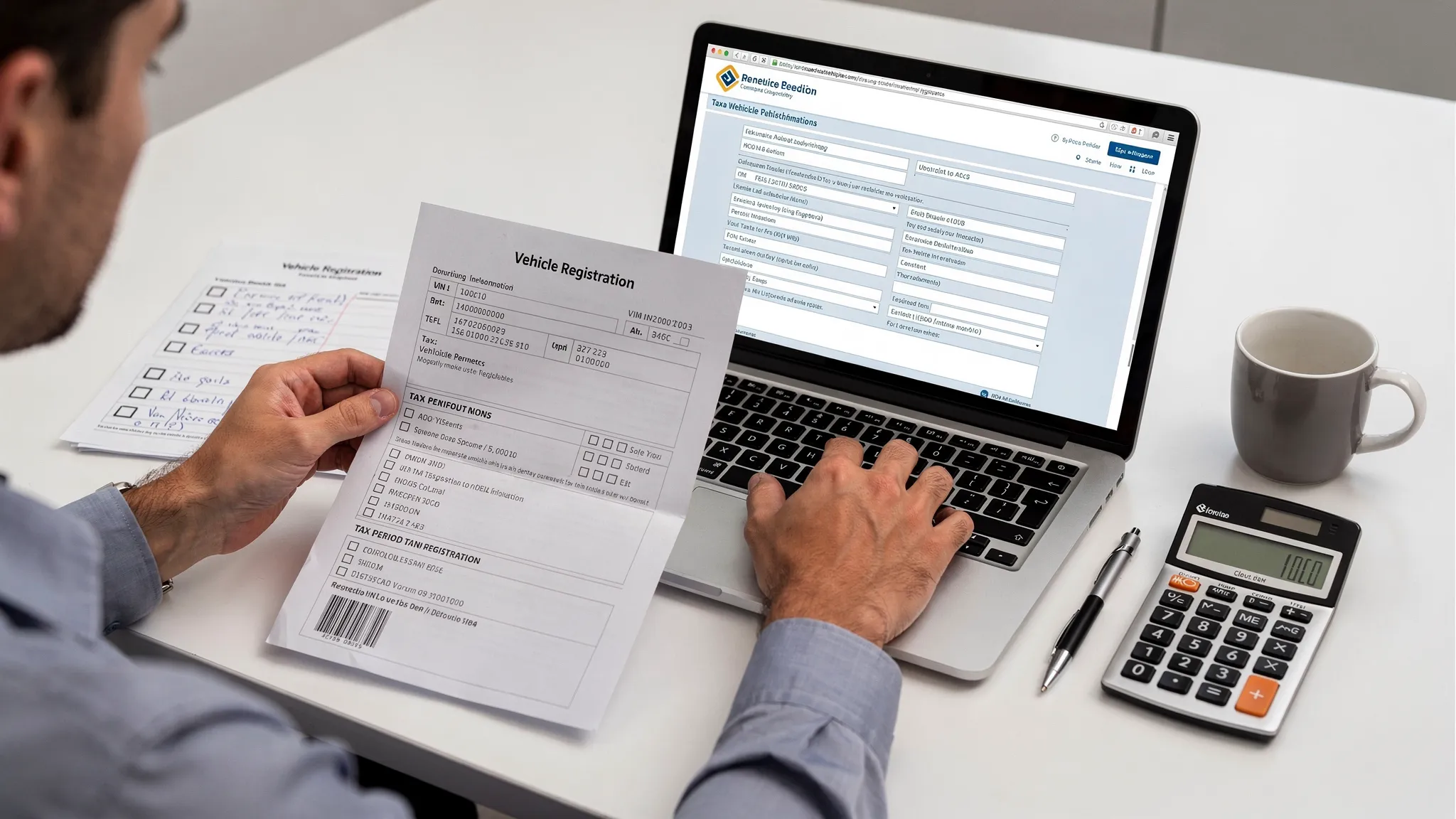
When you file excise and transportation-related tax forms, small typos carry big consequences. For Form 2290, always pull VINs and weights from authoritative documents such as:
- Vehicle registration or title
- Fleet records (unit lists)
- Prior-year Schedule 1 (if renewing)
If your online form is asking for a number or date, copy it from a record, do not approximate.
Match IRS identity data exactly
One of the most common reasons online tax forms get rejected is identity mismatch, for example:
- EIN entered correctly, but business name differs from IRS records
- Punctuation differences, spacing, or shortened business names
If you recently changed your legal entity name, moved, or updated IRS records, be extra careful. A good rule is to enter the business name exactly as it appears on IRS notices or prior accepted filings.
Be deliberate about tax period and “first used month” (Form 2290)
Unlike many annual filings that follow a calendar year, Form 2290 follows the HVUT tax year (July 1 through June 30) and is driven by the first month the vehicle was used on public highways during that period.
Choosing the wrong month can force extra steps later, including amendments or delayed proof for registration.
Validate VINs like a professional
VIN mistakes are common because they are long, look similar, and are often retyped.
A practical method:
- Enter the VIN once.
- Re-check it character-by-character against the source document.
- Re-check again before submission, especially for multi-vehicle filings.
If you do discover a VIN mistake after filing, you may need a VIN correction filing depending on your situation. (Many filers prefer to avoid this entirely by doing a final VIN review before clicking submit.)
How to save online tax forms (the proof and recordkeeping layer)
Saving is not just “keeping a PDF.” For online tax forms, you want a complete audit trail that answers:
- What did I submit?
- When did I submit it?
- Was it accepted or rejected?
- What proof do I have for a third party (DMV, IRP office, broker, auditor)?
Save these items every time
For most online tax forms, and especially Form 2290, save:
- A copy of the completed return (PDF or downloaded summary)
- Submission confirmation (timestamp, tracking ID, or submission reference)
- Acceptance or rejection acknowledgment
- Proof of payment method used (when applicable)
- For Form 2290, your IRS-stamped Schedule 1 once accepted
Use a consistent naming system
A simple file naming convention reduces headaches when you have multiple trucks, multiple tax years, or more than one entity.
Example pattern:
2290_2025-2026_ABCTrucking_VIN1234_Schedule1.pdf
Consistency matters more than perfection. The goal is fast retrieval when a state office requests proof.
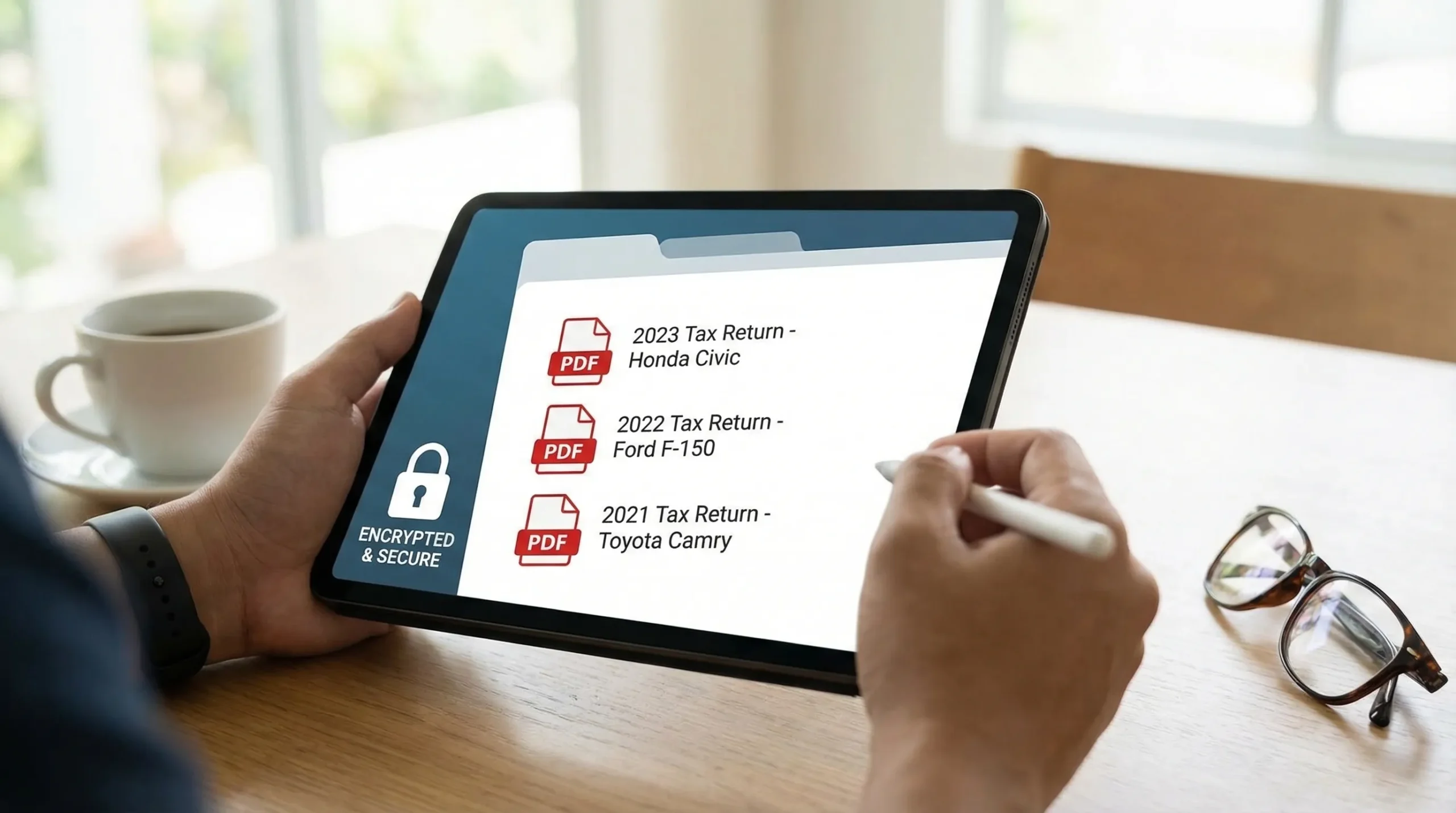
Store documents securely
Online tax forms contain sensitive data (EIN, addresses, VINs). Good storage practices include:
- Using a password manager and unique passwords
- Enabling multi-factor authentication where available
- Backing up PDFs to a secure, private location
- Avoiding sending tax documents through unsecured channels
Many e-file platforms also provide document retrieval features, which can be useful when you need to re-download Schedule 1 quickly.
How to submit online tax forms correctly (the “accepted” layer)
Submitting correctly means two things:
- the IRS (or agency) receives the return in the right format, and 2) you complete payment in a compliant way.
Choose a payment method you can complete without delays
For Form 2290, payment method matters because filing and payment need to align. Common IRS payment paths include:
- EFTPS enrollment and payment: EFTPS
- Paying by card through IRS-approved processors: Pay by card
Whichever method you use, save your payment confirmation along with your filing records.
Understand submission statuses (so you react quickly)
Most e-filing workflows return a status such as Pending, Accepted, or Rejected.
| Status you see | What it usually means | What you should do |
|---|---|---|
| Pending | The return has been transmitted and is awaiting processing | Wait for the next update, do not refile unless instructed |
| Accepted | The agency accepted the return | Download and save the stamped/accepted proof (for Form 2290, Schedule 1) |
| Rejected | Something failed validation | Fix the issue and resubmit, using the rejection message as your guide |
If your Form 2290 was rejected, do not guess. Use the rejection code or message to make a targeted correction (EIN/name mismatch, VIN format issue, tax period error, and so on).
Paper filing vs online filing: what changes in real life
Many taxpayers can technically paper file some forms, but the operational impact can be significant when you need proof quickly.
| Factor | Paper filing | Online filing (e-file) |
|---|---|---|
| Time to get proof | Often takes weeks due to mail and processing queues | Often available shortly after acceptance |
| Error handling | Errors can mean starting over by mail | Many issues can be corrected and resubmitted quickly |
| Recordkeeping | You must scan, copy, and store everything | Digital copies and retrieval are typically easier |
| Convenience | Printing, mailing, and tracking delivery | Submit from your computer anytime |
If you are filing Form 2290 for IRP needs, fast access to an IRS-stamped Schedule 1 is often the deciding factor.
Common online tax form mistakes (and how to avoid them)
Mistake: entering data that does not match official records
This includes business names, EINs, addresses, and VINs. The fix is boring but effective: pull info from official documents and match exactly.
Mistake: rushing the review screen
Most online tax forms provide a final review page. Treat it like your last inspection before a long haul. Slow down and check:
- EIN and business name
- Tax year and period selection
- VINs and weight categories
- Payment selection
Mistake: assuming “submitted” means “accepted”
Submitted only means transmitted. For compliance proof, you usually need acceptance. For Form 2290, acceptance is what generates the stamped Schedule 1.
Mistake: failing to keep proof for third parties
DMVs, IRP offices, and auditors do not want your “I filed” statement, they want the document. Build a habit: if it is important, download it immediately and store it.
When to use an IRS-authorized e-file provider (and what to look for)
For forms like 2290, using an IRS-authorized provider is a straightforward way to file electronically and receive the right proof.
When evaluating a provider, focus on practical criteria:
- IRS authorization for the form you are filing
- A guided process that reduces entry errors
- Fast delivery of your accepted proof (for Form 2290, Schedule 1 after IRS acceptance)
- Strong support availability, especially during peak season
- A clear approach to data security and document retrieval
Filing Form 2290 online with Simple Form 2290
If your main “online tax form” is IRS Form 2290 (HVUT), Simple Form 2290 is an IRS-authorized e-file provider built for owner-operators and fleets.
It is designed to help you file accurately and get your proof fast, with features such as a step-by-step guided portal, bulk vehicle filing tools, bilingual support (English/Spanish), and secure document retrieval. After your return is accepted, you can typically receive your stamped Schedule 1 quickly.
If you want more Form 2290 specific guidance next, these resources can help:
- How to file Form 2290
- How to apply for an EIN online for Form 2290 filing
- How to check 2290 filing status
The bottom line: online tax forms are only “easy” when you treat accuracy, saving, and submission as three separate steps. Get those right, and you reduce rejections, avoid compliance delays, and keep the proof you need ready when the state asks for it.