Form 2290 California
Form 2290 California
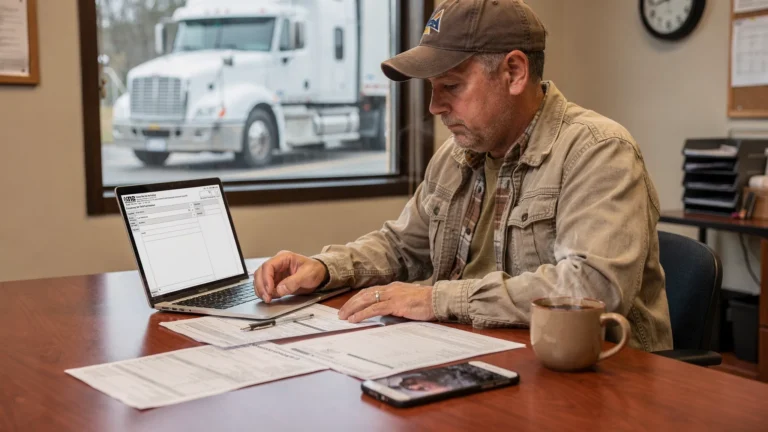
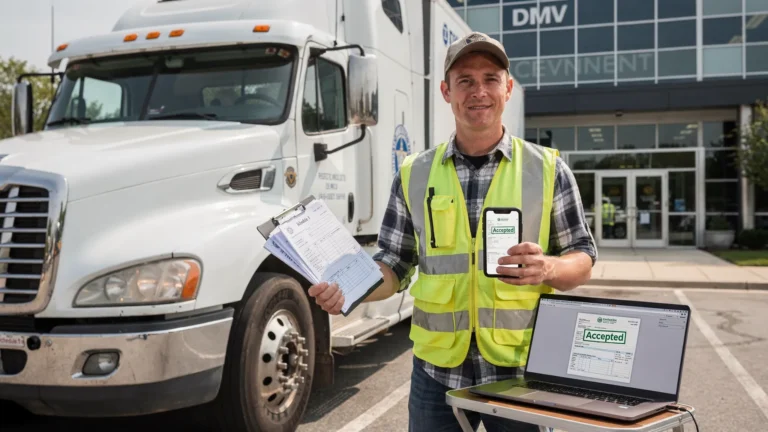
Form 2290 California refers to filing the federal Heavy Vehicle Use Tax for trucks and tractors that are registered in California or operate on California public highways. The tax is reported to the IRS, not the state, but California DMV offices and IRP units rely on your IRS‑stamped Schedule 1 as proof of payment for registration and apportioned plate renewals. Filing correctly and on time keeps your trucks compliant with IRS requirements and avoids registration delays in California.
Simple Form 2290 is an IRS‑authorized 2290 e‑file provider that helps California truck owners and fleets submit accurate returns and receive their Schedule 1 quickly. You can start now on our secure portal: E‑File Form 2290 Online.
Who Needs to File Form 2290 in California
You must file Form 2290 if you own or operate a heavy highway motor vehicle that:
- Has a taxable gross weight of 55,000 pounds or more, and
- Is used on public highways during the tax period, and
- Is registered in California or operates on California highways.
Common vehicle types include trucks, truck tractors, and buses. The taxable gross weight generally includes the vehicle, trailer, and the maximum load customarily carried.
Key points for California filers:
- Vehicles under 55,000 pounds are not subject to HVUT.
- Low‑mileage vehicles, generally 5,000 miles or less for the tax year, or 7,500 miles or less for agricultural vehicles, may be filed as suspended. You still file Form 2290 to report the suspension and obtain Schedule 1.
- Logging vehicles used exclusively for logging may qualify for reduced HVUT rates.
- Exempt entities, such as federal, state, or local governments, still follow specific reporting rules. See our overview of HVUT to understand how the federal tax applies to your situation.
Form 2290 California Filing Requirements
Form 2290 is filed for the IRS tax year that runs from July 1 through June 30. Your due date depends on the vehicle’s first used month, which is the first month it is driven on public highways in the tax year.
- First used month, also called FUM: The month the vehicle first operates on public highways in the tax year.
- Due date: The last day of the month following the first used month. For example, if the first used month is July, the return is generally due August 31.
What you need on hand for accurate filing:
- Employer Identification Number, the IRS requires an EIN to file Form 2290. A Social Security Number cannot be used.
- Business name and address as they appear on IRS records
- Vehicle Identification Number for each vehicle
- Taxable gross weight and whether the vehicle is logging or non‑logging
- First used month for each vehicle
- Your selected IRS payment method
Form 2290 California instructions to keep in mind:
- The HVUT amount is based on taxable gross weight and months used in the tax year. Vehicles at 55,000 pounds start the tax, rates increase with weight, and vehicles over 75,000 pounds pay the maximum non‑logging rate for the year.
- Logging vehicles are taxed at reduced rates, and suspended vehicles must be reported even if no tax is due because of the mileage limit.
- If you add a vehicle mid‑year, file a separate 2290 for that vehicle by the last day of the month after its first used month.
- If a vehicle’s status changes, for example it exceeds the suspension mileage limit or its taxable weight category increases, file an amended return promptly.
For a deeper refresher on rates and definitions, review our in‑depth resources on HVUT.
How to File Form 2290 in California
There are two primary ways to file, and most California carriers choose to e‑file for speed and accuracy. The IRS requires e‑filing if you report 25 or more vehicles on a return.
- California Form 2290 Efile: The fastest way to file. Use our secure portal to complete and submit your information electronically, then receive your Schedule 1 after IRS acceptance. Start here: E‑File Form 2290 Online.
- Paper filing by mail: Permitted for smaller returns, though it takes longer to process and receive a stamped Schedule 1. If you choose to mail the form, verify the correct destination on our IRS Mailing Address page.
How to fill out Form 2290 California online with Simple Form 2290:
- Create or sign in to your account at SimpleForm2290.com.
- Enter your business details exactly as they appear on IRS records and add your EIN.
- Add vehicle details, including VIN, taxable gross weight, first used month, and logging or suspended status.
- Review the calculated tax, then select an IRS‑accepted payment option for the HVUT.
- Complete the electronic consent and submit to the IRS.
- Receive your IRS‑stamped Schedule 1, typically within minutes of IRS acceptance, and access it anytime in your account.
This Form 2290 California online process minimizes errors and provides a clear audit trail for registrations, renewals, and recordkeeping.
Printable Form 2290 California vs Online Filing
Both paper and electronic submissions are accepted by the IRS. The differences are important for timing and accuracy.
| Aspect | Printable Form 2290 California | California Form 2290 Efile |
|---|---|---|
| Submission | Mail to IRS | Sent electronically to IRS |
| Processing time | Longer, can take weeks | Fast, often same‑day acceptance |
| Error checks | Manual review | Built‑in validations reduce common errors |
| Proof of filing | Stamped Schedule 1 returned by mail | Schedule 1 delivered electronically to your account and email |
| Best for | Rare situations when paper is required | Most owner‑operators and fleets, and required when reporting 25 or more vehicles |
If you plan to mail a return, confirm the correct destination using our up‑to‑date IRS Mailing Address guide. Most California carriers find that e‑file is the most practical and reliable choice.
Schedule 1 and Proof of Filing in California
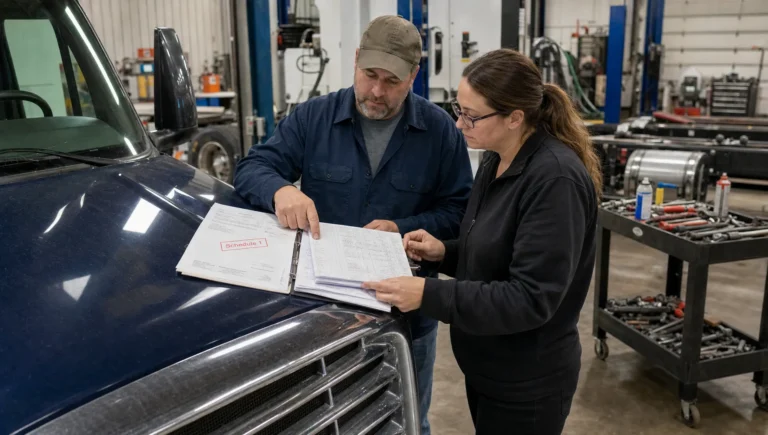
Your IRS‑stamped Schedule 1 is the official proof that Form 2290 was filed and any HVUT due was paid or suspended. It is issued by the IRS after your return is accepted. California agencies rely on it for:
- California DMV vehicle registration and renewals
- IRP apportioned plate renewals, including IRP Registration Services in California
- Fleet audits and roadside compliance documentation
You will receive your Schedule 1 electronically when you e‑file and it will be available for download in your account. Learn more about what appears on the document and how it is used here: Form 2290 Schedule 1.
How SimpleForm2290 Helps California Filers
Simple Form 2290 is an IRS Authorized 2290 Efile Provider designed to make federal HVUT filing clear and efficient for California carriers.
- Easy online filing portal with a step‑by‑step guided process
- Smart error checks that help reduce IRS rejections
- Electronic submission to the IRS, with timely delivery of Schedule 1
- Bulk vehicle filings for fleets and a convenient fleet management dashboard
- Secure data storage and retrieval for prior‑year returns and VINs
- Professional customer support, including bilingual assistance in English and Spanish
- Affordable flat pricing
Whether you manage a single truck or a statewide fleet, our process helps you file accurately, meet IRS deadlines, and keep your California registrations on schedule.
FAQs: Form 2290 California
Who needs to file Form 2290 in California? If your vehicle is registered in California or operates on California public highways and has a taxable gross weight of 55,000 pounds or more, you must file Form 2290 with the IRS. This includes owner‑operators, carriers, and fleets. Low‑mileage and logging vehicles follow special rules but generally still require filing to obtain Schedule 1.
When is Form 2290 due for California truck owners? The return is due by the last day of the month following the vehicle’s first used month in the tax year, which runs from July 1 through June 30. For July first use, the due date is usually August 31. New vehicles placed in service mid‑year must be filed by the last day of the month after first use.
Can I file Form 2290 California online? Yes. E‑file is the fastest and most reliable way to receive your Schedule 1. Start your filing securely at E‑File Form 2290 Online and get electronic proof after IRS acceptance.
Is a printable Form 2290 California still accepted by the IRS? Paper filing is allowed for small filings, but e‑file is required if you report 25 or more vehicles on a return. Paper returns take longer to process. If mailing, use the correct destination listed on our IRS Mailing Address page.
When will I receive my Schedule 1 after filing? When you e‑file, the IRS‑stamped Schedule 1 is typically delivered electronically within minutes of IRS acceptance. Paper filings are returned by mail and can take several weeks. You can review Schedule 1 details here: Form 2290 Schedule 1.
Do I need Schedule 1 for IRP registration services in California? Yes. California IRP renewals typically require a current Schedule 1 as proof that HVUT has been paid or suspended. E‑filing helps you obtain Schedule 1 quickly so you can complete DMV and IRP requirements without delay.
File Form 2290 California Online
Stay compliant with IRS rules and keep your California registrations moving. File California Form 2290 online with Simple Form 2290 for a guided, accurate, and secure experience, and receive your Schedule 1 promptly after IRS acceptance. Begin now at E‑File Form 2290 Online or learn more about our IRS Authorized 2290 Efile Provider.