
Form 2290 Logging Vehicles: IRS Rules, Tax Rates & Filing
Most logging operations do not lose money on fuel or tires, they lose money on downtime. And in 2026, one of the fastest ways to create downtime is a missing (or incorrect) HVUT filing that blocks registration renewals, IRP work, or a new truck’s first dispatch. That is why understanding Form 2290 Logging Vehicles rules is not just “tax compliance”, it is operational risk management and cash flow planning.
This guide breaks down the IRS definition, the reduced tax rate, common exemption scenarios, and a filing playbook you can use to keep your trucks moving and your documentation audit-ready.
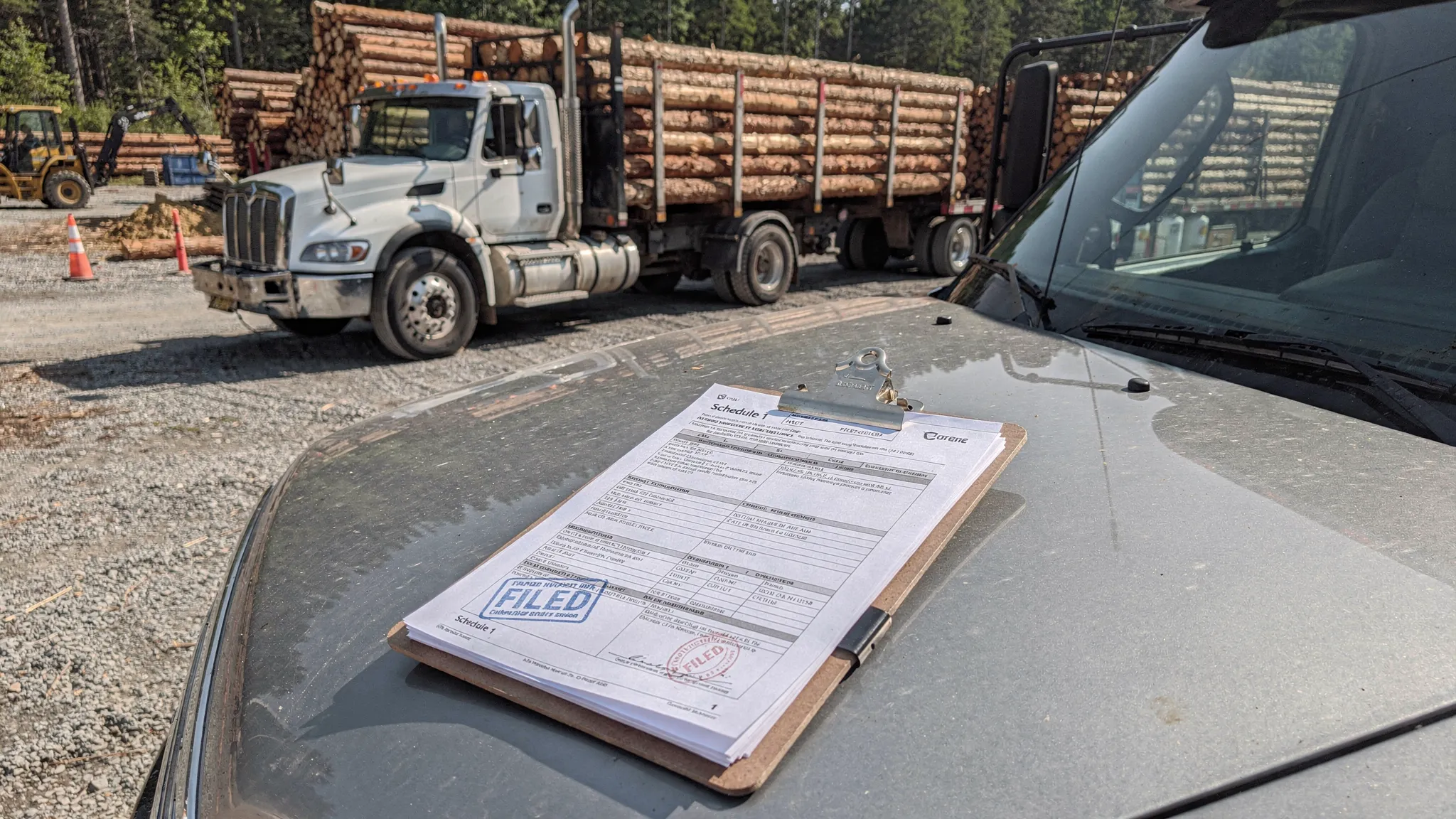
IRS definition: what qualifies as a logging vehicle (and what does not)
The IRS gives logging vehicles a special HVUT treatment, but only when you meet the definition in the official Form 2290 guidance. In plain English, a qualifying logging vehicle is generally one that is used exclusively to transport harvested forest products.
That “exclusively” language is where fleets get exposed. If a truck is dispatched for mixed use (for example, some loads qualify, some do not), you should assume the IRS expects it to be treated as a regular taxable vehicle for that period.
If you want the source of truth, start with the IRS: Form 2290 instructions and current-year guidance.
Practical classification test (used by compliance teams)
Use this quick test before you claim the logging category on Form 2290 Logging Vehicles filings:
- Cargo: Is it harvested forest product (logs, raw timber, similar), not finished lumber or general freight?
- Use: Is the truck used exclusively in that logging transport role?
- Dispatch reality: Are there any “backhaul” loads that are non-logging freight?
Here is a simple comparison that helps avoid expensive misclassification.
| Likely qualifies as logging use | Usually does not qualify as logging use |
|---|---|
| Hauling raw logs from harvest site to a mill or first processing point | Hauling finished lumber, retail building materials, or general freight |
| Dedicated log truck or tractor assigned only to logging contracts | Mixed-use tractor that sometimes runs dry van, reefer, or construction loads |
| Documented logging routes and tickets that match forest-product transport | Inconsistent paperwork, frequent non-logging dispatches |
Recordkeeping tip: Treat the logging classification like an “audit file.” Keep load tickets, contracts, dispatch summaries, and mileage records together. If the IRS questions the reduced rate later, your documentation is what protects you.
Tax rates: how the reduced HVUT rate works for logging trucks
The big financial win is the reduced HVUT tax rate logging vehicles can claim compared to regular vehicles, but only when the truck truly qualifies.
For a fast way to estimate the bill for your taxable gross weight, use a weight-based rate reference like this guide on HVUT tax rates by weight.
Quick rate comparison (typical weight points)
The IRS structure for HVUT is weight-based, with a maximum tax at the top weight bracket. Qualified logging vehicles are taxed at a reduced level compared to regular vehicles.
| Taxable gross weight example | Regular HVUT (full year) | Logging HVUT (reduced) | What it means for budgeting |
|---|---|---|---|
| 55,000 lbs | $100 | $75 | The reduction is meaningful even at the entry threshold |
| 60,000 lbs | $210 | $157.50 | Helps when you run multiple units near 60k |
| 70,000 lbs | $430 | $322.50 | Savings compound quickly in small fleets |
| Over 75,000 lbs | $550 (max) | $412.50 (max) | Highest savings where many logging tractors operate |
These examples reflect the standard HVUT formula and the reduced logging category treatment described in IRS Form 2290 guidance.
Trend to watch in 2026: “classification discipline” is a competitive advantage
In tight-margin hauling, the difference between correct logging classification and “wishful” classification is not just penalties, it is dispatch friction (rejected filings, delayed Schedule 1, delayed plates). Fleets that run clean records and consistent categories often renew faster and get fewer compliance surprises during expansions and acquisitions.
Filing rules that matter operationally: first used month, deadlines, and IRP timing
Even when your rate is right, the timing can break your week. The HVUT tax year runs July 1 through June 30, and deadlines are based on the first use month (FUM) on public highways.
If you need a deadline refresher tied to real scenarios, see first use month IRS 2290 deadlines.
Deadline logic (simple, field-friendly)
| Scenario | First used month | Typical due date |
|---|---|---|
| Truck already on the road at the start of the HVUT year | July | August 31 |
| New (or newly acquired) truck begins highway use mid-year | Any later month | Last day of the month after first use |
IRP reality: Schedule 1 is the document that unblocks the next step
Most fleets encounter HVUT pressure when registration is due. In many jurisdictions, the stamped Schedule 1 is a required document for IRP workflows. If you are planning renewals or adding units, connect the dots between HVUT and IRP early:
- Learn how IRP fits in the compliance stack: IRP truck registration guide
- Understand what the stamped proof is and why it matters: Form 2290 Schedule 1
This is also where using an IRS e file service becomes more than convenience, it becomes schedule control.
Exemptions and edge cases: suspension, mileage surprises, and amendments
A common confusion point is the hvut logging vehicle exemption. Logging use does not automatically exempt the truck from HVUT. The main “exemption-like” scenario most fleets mean is suspension (Category W) when a heavy vehicle is expected to run 5,000 miles or less on public highways during the tax period.
That matters because a logging unit that is seasonal, or parked due to market conditions, may qualify as suspended. The catch is that you still file Form 2290, you just report it as suspended rather than paying the tax.
Where fleets get hit is when a suspended unit unexpectedly goes active. If the mileage limit is exceeded, you generally need to amend and pay.
Two amendment situations show up often in logging:
- Taxable weight increase after you change configuration or begin pulling heavier combinations (see Taxable Weight Amendments)
- VIN issues that delay acceptance, especially with newly purchased equipment (review vehicle identification number corrections)
This is the core risk in logging vehicles hvut compliance: your category might be correct, but your paperwork needs to be perfect to keep the truck registrable.
Lessons learned (real-world style examples) from logging fleets
Below are two field patterns that show why Form 2290 Logging Vehicles strategy is not just “file and forget.” (These are illustrative examples based on common fleet scenarios.)
Example 1: The “mixed dispatch” cost that no one budgets
A small operator runs one dedicated log truck and one tractor that does logging during peak season and general freight in the off-season. They file both as logging vehicles to capture the hvut tax for logging trucks savings.
What happens next is predictable: the mixed-use tractor becomes hard to defend as “exclusive” logging use. If questioned later, the operator may owe the difference between regular and logging HVUT (plus potential penalties and interest). The strategic fix is simple: classify the mixed-use unit as regular and keep the dedicated unit as logging, then treat the reduction as a compliance benefit, not a gamble.
Example 2: Acquisition strategy and proration
A small fleet buys two used tractors in December to lock in pricing before year-end, then puts them on the road in January. HVUT is prorated by first used month, so the tax is not a full-year hit. The fleet’s mistake is waiting until IRP work starts to file, delaying dispatch.
The strategic fix: file as soon as the first-use month is known and store your stamped proof. If you are scaling, look for tools that support bulk workflows and retrieval.
How to file (fast) and get your stamped proof
To file Form 2290 Logging Vehicles correctly, you need: EIN, business name, taxable gross weight, first used month, and each VIN.
For step-by-step filing help, use:
A practical e-filing workflow many fleets use
- Gather truck details (including taxable gross weight category) and confirm the logging classification is defensible.
- Validate each VIN carefully to avoid rejections.
- E-file through an IRS Authorized E-file Provider.
- Save and share the stamped Schedule 1 with whoever manages registrations.
If you are comparing providers, this overview of the Best 2290 E-File Provider criteria helps you evaluate authorization, support, and reliability.
Frequently Asked Questions
What is the IRS definition of a logging vehicle for Form 2290? A logging vehicle generally must be used exclusively to transport harvested forest products. Mixed-use trucks often do not qualify for the reduced logging category.
Do logging vehicles get an HVUT exemption automatically? No. Logging use can qualify for a reduced tax rate, but it is not an automatic exemption. A truck may be reported as suspended (Category W) only if it meets low-mileage expectations.
How much is the reduced HVUT tax rate for logging vehicles? Qualified logging vehicles pay a reduced rate compared to regular HVUT. The reduction is reflected in the IRS logging category rate table and is highest at heavier weight brackets.
What documents should I keep to support logging classification? Keep load tickets, contracts, dispatch records, and mileage documentation showing the truck’s exclusive logging use, plus a copy of the stamped Schedule 1.
Can I e-file Form 2290 for multiple logging trucks at once? Yes. E-filing platforms typically support bulk entry or multi-vehicle workflows, which helps fleets file faster and retrieve Schedule 1 copies when needed.
File with confidence using Simple Form 2290
If you want a fast, compliant way to file and move on, Simple Form 2290 helps owner-operators and fleets e-file Form 2290 securely and receive the IRS-stamped Schedule 1 quickly after acceptance. It is designed to support logging operations that need speed, accuracy, and responsive help (including bilingual English and Spanish support).
When you are ready, e-file your HVUT return through Simple Form 2290 and keep your registration and dispatch schedule on track.