How to Use the IRS Tax Website Without Getting Locked Out
If you have ever tried to log in to the IRS tax website right when you are under a deadline, you already know the pain. A few wrong password attempts, a verification code that never arrives, or a browser that will not load the sign-in page, and you can suddenly be stuck in “account locked” limbo.
For truckers and fleet owners, that timing is especially brutal. When HVUT season hits, you may need the IRS site to confirm an EIN, make a payment, or access other tax tools, while also trying to keep your trucks moving.
This guide explains how to use the IRS tax website more safely, how to avoid lockouts in the first place, and what to do if you are already locked out.
First, know what “the IRS tax website” really means
The IRS has multiple online services, and they do not all use the same sign-in method. Depending on what you are trying to do, you may be routed through an identity provider such as ID.me or Login.gov.
Common IRS online destinations include:
- Your IRS Online Account for viewing balance, notices, and payment history.
- IRS Direct Pay (no IRS account required) to pay from a bank account.
- EFTPS for business tax payments (separate enrollment and login).
- IRS identity verification and sign-in help, such as ID.me for IRS and Login.gov.
The “locked out” problem usually happens at the authentication layer (password + multi-factor verification), not because the IRS is blocking your truck tax filing specifically.
Why IRS lockouts happen (and how to prevent each one)
Lockouts are typically triggered by security controls that are designed to stop fraud. The issue is that normal users can accidentally trip those controls.
Here are the most common causes and the simplest prevention steps.
| Lockout trigger | What it looks like | How to prevent it |
|---|---|---|
| Too many failed password attempts | “Your account is locked” or “Try again later” | Use a password manager, stop after 2 to 3 attempts, and use “Forgot password” instead of guessing |
| MFA code issues (text/email/app) | Code does not arrive, arrives late, or fails | Use an authenticator app when possible, keep your phone number updated, save backup codes |
| Device or browser changes | Extra verification prompts, repeated sign-ins | Use a consistent device and browser, avoid private mode for IRS logins |
| VPN, hotel Wi-Fi, public networks | Suspicious activity flags, verification loops | Avoid VPN for sign-in, use your carrier hotspot when possible |
| Autofill mistakes | Wrong username or old password entered repeatedly | Review what autofill inserts before you submit |
| Multiple accounts (ID.me vs Login.gov) | “No account found” or endless redirect | Confirm which provider your IRS service is using and stick to one set of credentials |
Before you log in: a 2-minute “don’t get locked out” checklist
This is the small prep that saves the most time.
| What to check | Why it matters |
|---|---|
| You are on a real IRS domain (ends in .gov) | Prevents phishing and avoids fake sign-in portals |
| Your phone can receive codes right now | Dead zones and Do Not Disturb settings cause failed MFA loops |
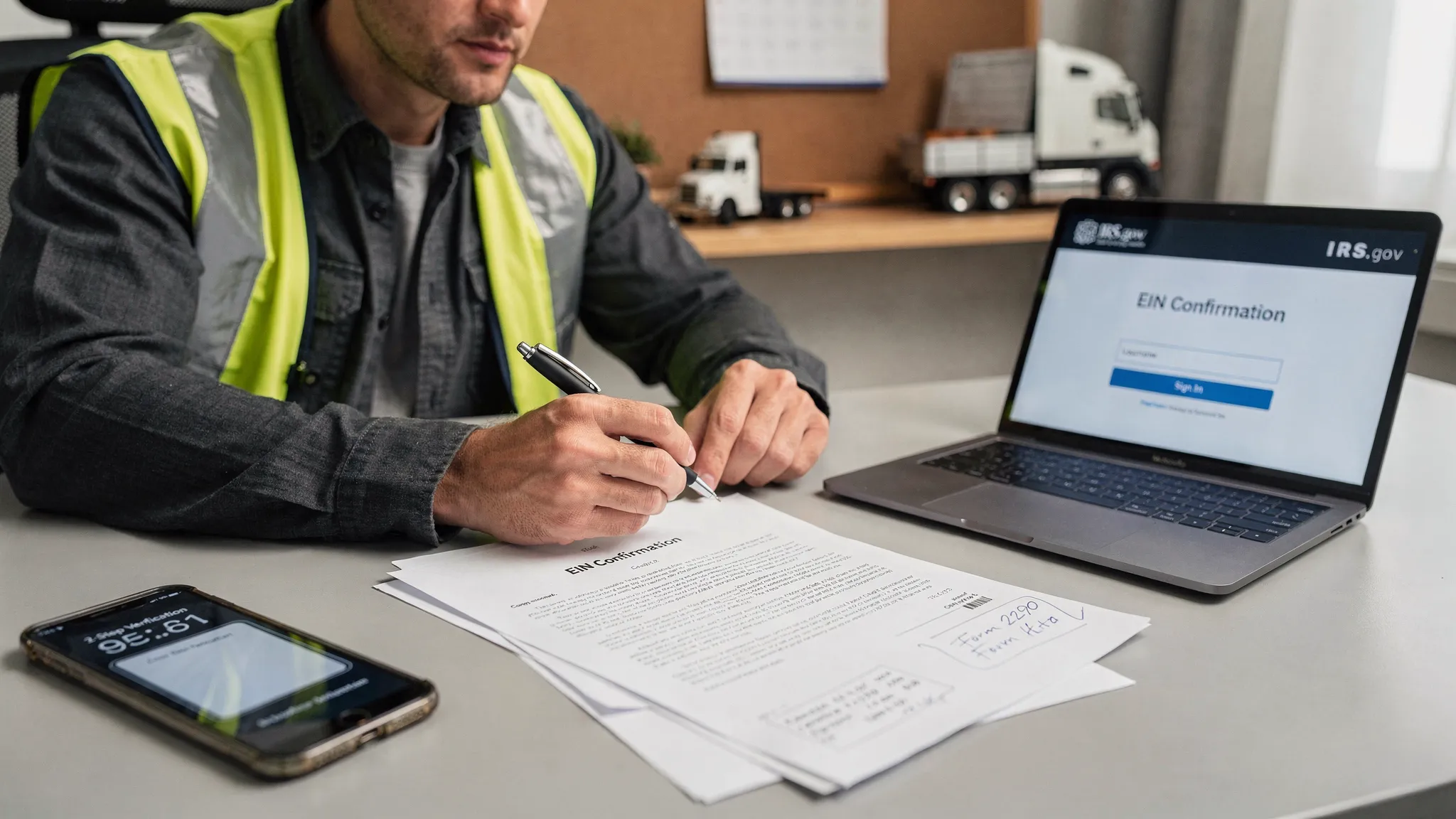
| You have your EIN/SSN and legal name exactly as filed | Mismatches can trigger identity re-checks |
| You are not using a VPN | VPNs commonly trigger “unusual activity” flags |
| Your browser is updated | Old browsers can break sign-in and verification pages |
Best practices for signing in without triggering security flags
Use one “IRS login device” whenever you can
If you always log in from a different phone or laptop, the system may treat every session as higher risk.
For owner-operators and small fleets, a good approach is to pick one device (often your main smartphone) and one browser (Chrome, Safari, or Edge) and keep that consistent.
Do not keep retrying passwords
Repeated attempts are the fastest path to a lockout.
If you are not 100 percent sure, stop and use the official password reset option on the sign-in screen. It takes longer than a successful login, but it is much faster than a time-based lockout.
Prefer an authenticator app when it is offered
Text messages can fail in rural areas, at truck stops, or when your carrier is congested. Authenticator apps typically work even when you do not have cellular service.
If the service provides backup codes, save them somewhere secure (a password manager vault is ideal).
Avoid public Wi-Fi for account setup or recovery
Public Wi-Fi is not only less secure, it can also look suspicious to fraud detection systems because the same network is used by many people.
If you need to do a sensitive sign-in step, use your phone’s hotspot or a trusted home/office connection.
Common IRS tasks that do not require an IRS account (to reduce login headaches)
If your goal is simply to make a payment, you might not need an online account at all.
- For bank payments without creating an IRS account, consider IRS Direct Pay (when available for your payment type).
- For card payments, use the IRS list of approved payment processors so you avoid scams.
Reducing how often you “have to log in” is one of the simplest ways to reduce lockouts.
If you are already locked out: what to do (in the right order)
When you are locked out, your goal is to avoid making it worse. Many users accidentally extend the lockout by repeatedly trying.
Wait, then retry once
Some lockouts are time-based. If the message indicates you must wait (for example, 15 minutes, 24 hours, or longer), take that seriously.
When the wait period ends:
- Retry once with the correct password (ideally pasted from a password manager).
- If it fails, stop and reset your password instead of retrying.
Use the official recovery flow
If you are routed through an identity provider:
- Use the recovery links on ID.me or Login.gov (depending on what you were using).
- Make sure you are not accidentally creating a second account with a different email address.
If identity re-verification is requested, follow the steps exactly. Stopping midway and restarting multiple times can create additional friction.
Try a clean, stable browser session (without overdoing it)
A corrupted cookie or browser extension can cause loops.
A practical approach:
- Update your browser.
- Disable ad blockers or script blockers temporarily for IRS.gov.
- Try a normal (not private/incognito) window.
Clearing all cookies can help, but it can also remove remembered devices and force extra verification. Do it only if you are stuck in a loop.
Contact the IRS only after you’ve stabilized what you can
If your issue is specifically tied to HVUT or Form 2290 support, use official IRS contacts and avoid unofficial numbers.
If you need the Form 2290 Excise Tax Help Desk number and call tips, see this guide on IRS customer support phone numbers.
Security tips that also protect you from scams
Lockouts are frustrating, but phishing is worse. During peak tax periods, scam messages often pretend to be the IRS and try to push you to a fake “IRS tax website.”
Use these rules:
- Only sign in through pages on IRS.gov or through the official provider domains that IRS links to.
- Do not trust “IRS support” numbers from random emails, texts, or social posts.
- Never share verification codes with anyone, even someone claiming to be support.
Trucking-specific tip: avoid IRS website logins for HVUT filing when you can
Many lockout problems happen because people are trying to do everything directly on government sites, under time pressure.
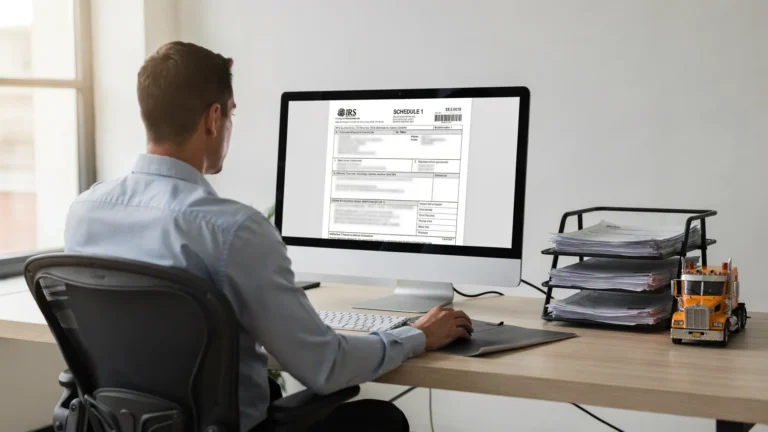
If your main goal is to file Form 2290 (HVUT) and get a stamped Schedule 1 for registration, using an IRS-authorized e-file provider can reduce how often you need to sign in to IRS tools.
With an e-file provider, you typically focus on the HVUT filing workflow and payment method, then receive your stamped Schedule 1 after IRS acceptance.
Frequently Asked Questions
Why does the IRS tax website lock you out? The IRS and its identity providers use lockouts to prevent fraud and account takeover. Too many password attempts, unusual network activity, or verification failures can trigger it.
How long does an IRS lockout last? It depends on the service and the reason. Some lockouts are short (minutes), others can require a longer waiting period or identity re-verification.
Does IRS Direct Pay require an IRS account? In many cases, no. IRS Direct Pay is designed to let you pay from a bank account without creating an IRS online account.
What should I do if my verification code never arrives? Stop retrying repeatedly. Confirm signal, check spam filters (for email codes), verify your phone number is correct, then use the provider’s recovery options on ID.me or Login.gov.
Can a VPN cause IRS login problems? Yes. VPNs can make your login look unusual and trigger extra verification steps or temporary blocks. If you are having issues, try logging in without a VPN.
File Form 2290 without the IRS website login headaches
If you are trying to stay compliant and get your stamped Schedule 1 fast, you do not have to fight IRS website lockouts to file HVUT.
Simple Form 2290 is an IRS-authorized e-file provider built for truckers and fleet owners, with a guided filing process, bulk vehicle support, bilingual help (English/Spanish), and secure record retrieval.
Get started here: E-file Form 2290 with SimpleForm2290.com