Form 8822-B Explained: When and Why Truckers Need It for Accurate Form 2290 Filing
Form 8822-B is the IRS form businesses use to officially notify the IRS of a change in their business mailing address or the identity of their responsible party. It is a straightforward one-page form, but filing it correctly and on time is more important than most truck owners and fleet operators realize.
For heavy vehicle operators who file Form 2290, keeping your IRS records current through Form 8822-B is not just administrative housekeeping. Outdated address or responsible party information can cause your stamped Schedule 1 to be sent to the wrong address, trigger IRS notices you never receive, and create compliance gaps that delay your IRP registration and vehicle registration renewal. This guide walks through exactly what Form 8822-B is, when you need to file it, how to do it correctly, and why staying current with the IRS protects your Form 2290 filing process every year with the help of SimpleForm2290.
What Is Form 8822-B?
Form 8822-B is the IRS change of address form specifically designed for businesses, tax-exempt organizations, and other entities that have an Employer Identification Number (EIN). It is separate from Form 8822, which is the individual change of address form used by personal taxpayers.
Here is the key distinction every truck owner needs to understand:
| Form | Who It Is For | What It Updates |
|---|---|---|
| Form 8822 | Individual taxpayers | Personal home address |
| Form 8822-B | Businesses and EIN holders | Business mailing address and responsible party |
Because Form 2290 is filed under your EIN (not your Social Security Number), any address or responsible party changes related to your trucking business must be reported using Form 8822-B, not the individual version. Filing the wrong form means the IRS updates the wrong record, and your Form 2290 correspondence continues going to an outdated address.
When Should You File Form 8822-B?
The IRS requires businesses to file Form 8822-B within 60 days of any change to their business mailing address or responsible party. This is not a suggestion. It is a legal obligation under IRS regulations for all EIN holders.
You need to file Form 8822-B when:
-
Your business moves to a new physical or mailing address
-
The person designated as your responsible party changes (for example, a new owner, officer, or partner takes control)
-
You restructure your business and a different individual now controls the EIN-linked entity
-
Your previous mailing address is no longer monitored and IRS notices could go unread
For trucking businesses specifically, missing the 60-day window creates real problems. The IRS sends important Form 2290 notices, Schedule 1 confirmations, and penalty notices to the address on file. If that address is wrong, you may not know about a rejected filing, an underpayment notice, or a pending penalty until it has already grown.
Form 8822-B Instructions: How to Complete the Form Correctly
Form 8822-B instructions are relatively simple, but errors in this form cause more downstream problems than truckers expect. Here is a section-by-section walkthrough:
Part I: Check the box that applies Indicate whether you are changing your business mailing address, your responsible party, or both. Do not leave this section blank.
Part II: Business information Enter your full legal business name exactly as it appears on your EIN registration and your Form 2290 filings. Even a minor name variation can cause the IRS to misapply the update.
Part III: Old and new mailing address Enter your previous address and your new address. Use the exact format the IRS has on file. If you are unsure what address the IRS has, check your most recent IRS correspondence or your EIN confirmation letter.
Part IV: Responsible party information If the responsible party is changing, enter the name, title, and Social Security Number or EIN of both the old and new responsible party. The responsible party is the individual who has direct control over the entity's funds and assets, not simply a contact person or employee.
Part V: Signature The form must be signed by an authorized individual, typically the owner, officer, or general partner. An unsigned Form 8822-B will be rejected by the IRS without notice.
Where to Mail Form 8822-B
A common question from truck owners is where to mail Form 8822-B after completing it. Unlike Form 2290, Form 8822-B cannot currently be filed online through the IRS portal. It must be mailed to the appropriate IRS campus based on your state of business.
Here is a simplified guide to the mailing addresses:
| If your business is located in… | Mail Form 8822-B to… |
|---|---|
| Connecticut, Delaware, District of Columbia, Georgia, Illinois, Indiana, Kentucky, Maine, Maryland, Massachusetts, Michigan, New Hampshire, New Jersey, New York, North Carolina, Ohio, Pennsylvania, Rhode Island, South Carolina, Tennessee, Vermont, Virginia, West Virginia | Department of the Treasury, Internal Revenue Service, Kansas City, MO 64999 |
| Alabama, Alaska, Arizona, Arkansas, California, Colorado, Florida, Hawaii, Idaho, Iowa, Kansas, Louisiana, Minnesota, Mississippi, Missouri, Montana, Nebraska, Nevada, New Mexico, North Dakota, Oklahoma, Oregon, South Dakota, Texas, Utah, Washington, Wisconsin, Wyoming | Department of the Treasury, Internal Revenue Service, Ogden, UT 84201 |
Always send Form 8822-B via certified mail so you have proof of submission and a delivery date on record.
Can I Submit Form 8822-B Online?
This is one of the most searched questions around this topic: can I submit Form 8822-B online?
As of now, the IRS does not offer a direct online submission option for Form 8822-B through its main portal. The form must be completed, signed, and mailed to the appropriate IRS service center. Some tax professionals and authorized agents can submit it through the IRS e-Services platform on your behalf, but for most individual truck owners, mailing remains the primary method.
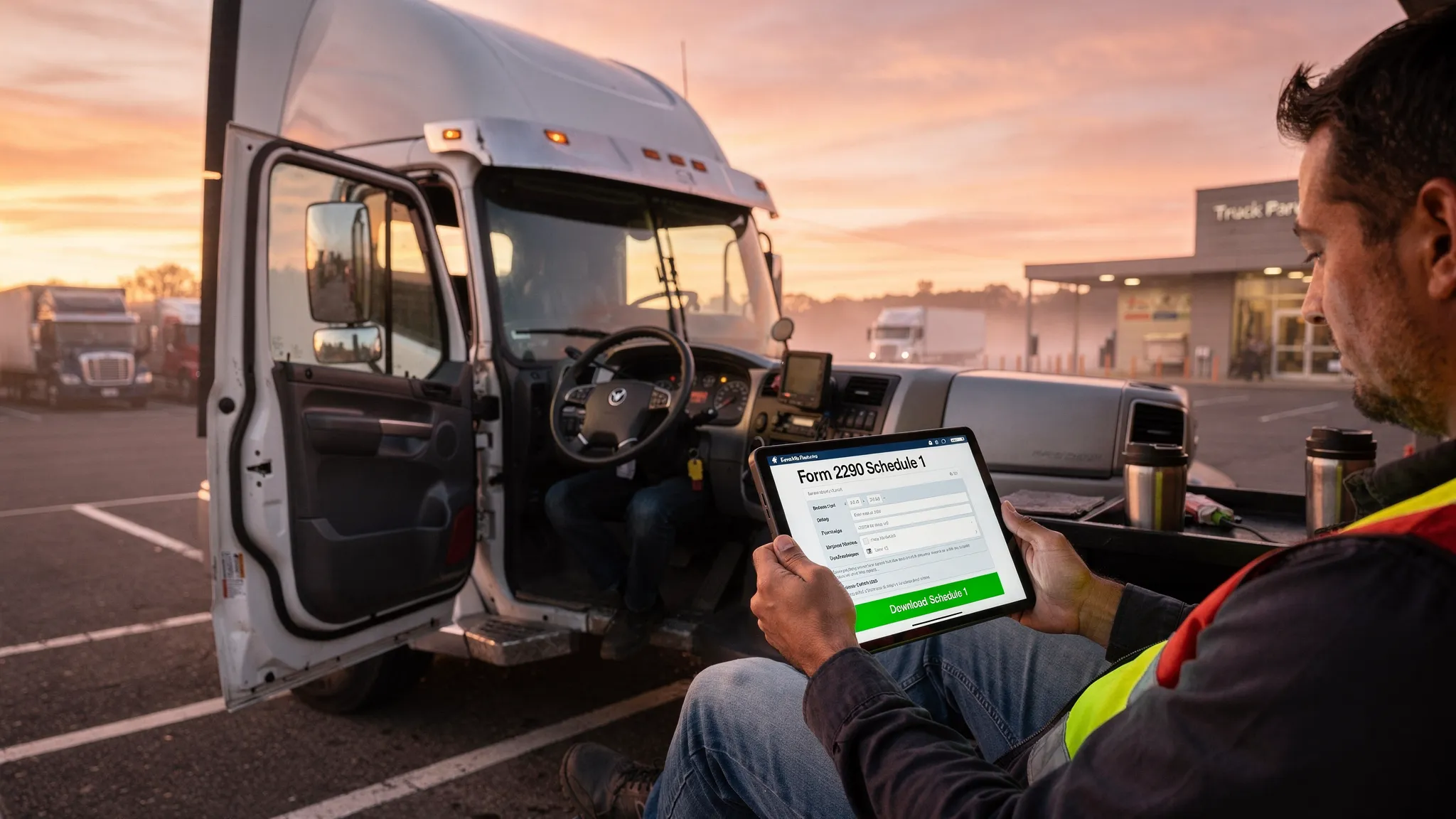
This is a meaningful contrast to Form 2290, where e-filing is not only available but is required for fleets with 25 or more vehicles and strongly recommended for everyone. Simple Form 2290 makes that e-filing process fast and straightforward, delivering your stamped Form 2290 Schedule 1 in minutes once your return is accepted by the IRS.
The practical lesson here: update your IRS address via Form 8822-B before your annual Form 2290 filing season begins. That way, your Schedule 1 and any IRS correspondence goes to the right place from day one.
Why Form 8822-B Matters Specifically for Form 2290 Filers
Most articles about IRS Form 8822-B treat it as a generic business administration task. For truck owners filing Form 2290, the stakes are more specific and more consequential.
Here is what happens when your IRS address or responsible party is outdated at Form 2290 filing time:
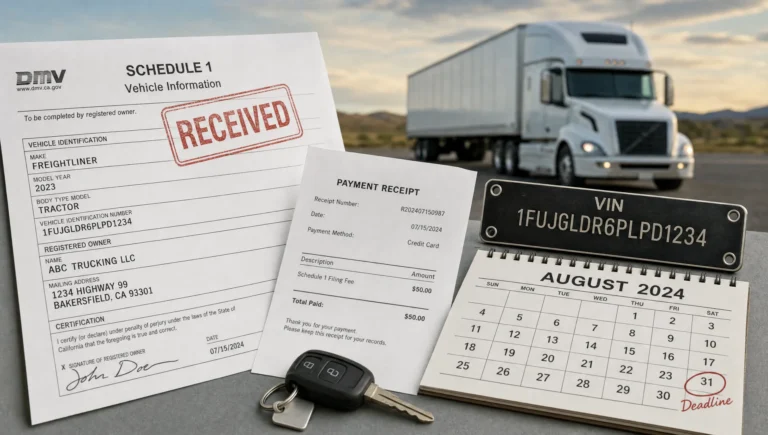
Scenario 1: Schedule 1 goes to the wrong address If you paper-file Form 2290 (which takes 4 to 6 weeks), your stamped Schedule 1 is mailed to the address on file. An outdated address means the Schedule 1 never reaches you. Without it, your state DMV and IRP registration renewal stalls. Your truck cannot legally operate until the issue is resolved.
Scenario 2: IRS notices go unread If the IRS identifies an error in your Form 2290 (wrong taxable gross weight, EIN mismatch, or an underpayment) it will send a notice to the address on file. If that address is outdated, you will miss the notice, miss the response deadline, and face escalating penalties.
Scenario 3: Responsible party mismatch triggers compliance issues When the responsible party listed on your EIN differs from the person signing your Form 2290, it can raise red flags during IRS processing. Keeping Form 8822-B current keeps your entity information aligned across all IRS systems.
The best way to avoid all three scenarios is simple: file Form 8822-B as soon as any business information changes, and use Simple Form 2290 to e-file your Form 2290 so your Schedule 1 is delivered electronically in minutes, not weeks. Electronic delivery eliminates the mailing address risk entirely for your Schedule 1.
Form 8822-B and the Broader Compliance Chain for Truck Owners
Form 8822-B sits at the top of your compliance chain because it controls how the IRS communicates with your business. Here is how it flows downstream into your trucking operations:
Accurate EIN records (via Form 8822-B) → Clean Form 2290 filing → Stamped Schedule 1 → IRP registration → DMV registration renewal → Legal truck operation
Every link in that chain depends on the IRS having correct, current information for your business. An outdated address or wrong responsible party at the EIN level creates friction at every step below it.
For fleet operators managing multiple trucks, this risk multiplies. A single outdated EIN record can affect Schedule 1 delivery for every vehicle in your fleet. Bulk and fleet filing through Simple Form 2290 streamlines the Form 2290 side of that chain, but the EIN record accuracy that Form 8822-B maintains is what makes bulk filing work cleanly across your entire operation.
Form 8822-B vs. Form 8822: A Quick Comparison
Many truckers accidentally file the wrong form when changing their address. Here is a clear side-by-side:
| Feature | Form 8822 | Form 8822-B |
|---|---|---|
| For individuals | Yes | No |
| For businesses and EIN holders | No | Yes |
| Updates personal home address | Yes | No |
| Updates business mailing address | No | Yes |
| Updates responsible party | No | Yes |
| Filed online | No | No |
| Processing time | 4 to 6 weeks | 4 to 6 weeks |
| Required within 60 days of change | No | Yes |
If you file Form 2290 under an EIN (which is required for all filers), you need Form 8822-B for any business address or responsible party change. Full stop.
Frequently Asked Questions
What is Form 8822-B and who needs to file it?
Form 8822-B is the IRS form used by businesses and EIN holders to report a change in their business mailing address or responsible party. Any trucking business, owner-operator, or fleet company that has an EIN and experiences an address or leadership change must file Form 8822-B within 60 days of that change. Since Form 2290 is filed under an EIN, truck owners are directly affected by this requirement.
Where do I mail Form 8822-B after completing it?
Where to mail Form 8822-B depends on the state where your business is located. Businesses in eastern states generally mail to the IRS campus in Kansas City, Missouri, while businesses in western and southern states mail to the IRS campus in Ogden, Utah. Always use certified mail with a return receipt so you have a record that the form was delivered.
Can I submit Form 8822-B online?
Not through the standard IRS portal. As of now, Form 8822-B must be mailed to the IRS. Some authorized tax professionals can submit it electronically through IRS e-Services, but most truck owners will need to mail a signed paper copy. This contrasts with Form 2290, which can be e-filed quickly and conveniently through Simple Form 2290, with your stamped Schedule 1 returned in minutes.
How does an outdated address on Form 8822-B affect my Form 2290 filing?
If your IRS address is outdated and you paper-file Form 2290, your stamped Schedule 1 will be mailed to the wrong address. Without your Schedule 1, you cannot complete your IRP registration or DMV vehicle registration renewal, which prevents your truck from operating legally. E-filing your Form 2290 through Simple Form 2290 eliminates the mailing risk by delivering your Schedule 1 electronically, but keeping Form 8822-B current is still essential for receiving IRS notices and avoiding compliance issues.
Do I need to file Form 8822-B if I already updated my address with the post office?
No. A USPS mail forwarding request does not update your IRS records. The IRS maintains its own address database, and only Form 8822-B officially updates your business address in their system. Many truck owners make this mistake and assume their mail forwarding will cover IRS correspondence. It will not. File Form 8822-B directly with the IRS every time your business address changes.
Final Thoughts
Form 8822-B is a short, simple form with long-reaching consequences for truck owners and fleet operators who rely on accurate IRS records for their Form 2290 filings. Keeping your business address and responsible party current protects your Schedule 1 delivery, your IRP registration timeline, and your overall compliance standing with the IRS.
The best strategy is to pair a current Form 8822-B on file with a fast, reliable Form 2290 e-filing process. Simple Form 2290 handles the e-filing side as an IRS-authorized provider, getting your stamped Schedule 1 back in minutes and eliminating the delays that outdated IRS records can cause.
Stay current. Stay compliant. And let Simple Form 2290 handle the heavy lifting on your annual HVUT filing.
File your Form 2290 today at Simple Form 2290 and receive your stamped Schedule 1 in minutes.